Create vector artwork on iPad with precise drawing tools. Align objects to grids, paths, or points. Scale and rotate multiple objects in real time. Use masks to cut out elements from artwork or photos. Position text at any angle or along paths.
LUNAPARK MEDYA INTERNET TEKNOLOJILERI SANAYI VE TICARET ANONIM SIRKETI
Generate logos from text descriptions
Create logos by describing your vision. AI generates professional designs instantly. Customize colors, fonts, and styles. Export logos in multiple formats and share directly.
Create and print custom labels with drag-and-drop editing, AI-powered design suggestions, and a library of templates. Adjust text, colors, and layouts. Export labels for printing or share digitally.
Edit images with layers, masks, and advanced tools. Add text and shapes. Create detailed designs and artistic edits. Export in multiple formats. Sync with other apps and devices. Adjust colors and apply filters. Save and organize projects.
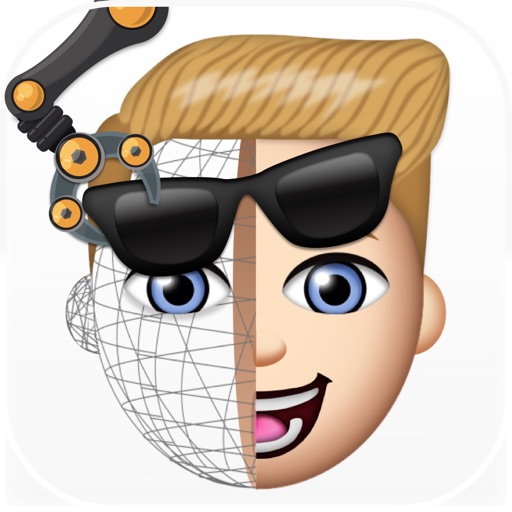
Create custom emojis by selecting from thousands of design assets. Upload photos to generate personalized avatars. Edit and customize emoji appearance. Save and share created emojis across platforms.
Create seamless patterns using 17 symmetry types and 23 templates. Draw with 18 brushes including pencil, liner, and airbrush. Use symmetry guide lines to align designs. Export patterns in multiple formats.
The app offers two file types: multi-page files for organizing knowledge and free-form files with an infinitely large canvas for creativity. It supports PDF imports and provides tools for drawing geometric shapes, making it suitable for various uses.
Adjust intensity and direction to shape mood and depth. Add glow, rays, and atmospheric color. Refine shadows and highlights with precision tools. Export edited photos in high quality.
Create illustrations, logos, and UI designs with precise drawing tools. Import and edit graphics. Organize projects in workspaces. Export in multiple formats. Collaborate in real-time with others. Adjust colors, shapes, and layers.