Learn and relative through interactive exercises. Identify double-stop notes using just intonation. Practice chord recognition and matching. Track progress with in- feedback and repetition. Sync with music libraries for real-time comparison.
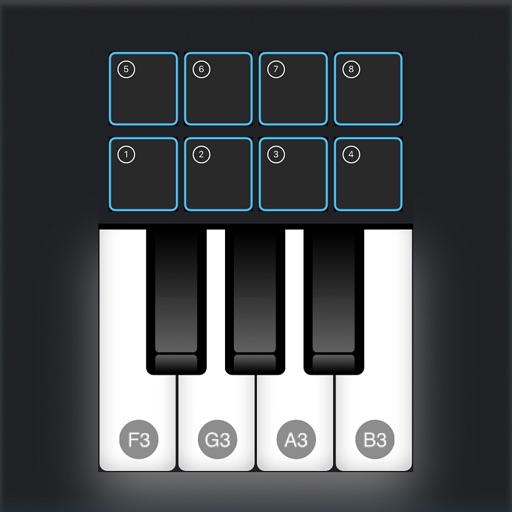
With dual keyboards and adjustable octave and size. View sheet music on iPad while playing. Use metronome with adjustable tempo and volume. Record performances. Adjust note range.
Record audio, MIDI, and drum tracks with unlimited layers. Apply real-time effects like Guitar Amps, VocalTune, and Reverb. Mix and edit tracks on the go. Share projects and collaborate with other artists via Songtree.
Create and edit music with real-time audio manipulation. Time warp, pitch shift, and rearrange audio clips. Use a sampler, add vocals, and integrate Audio Units. Edit and arrange tracks within a streamlined interface.
Memos and audio clips with adjustable quality and unlimited length. Save in MP3, WAV, or MP4 formats. Export files to Google Drive or Dropbox. Import and convert between supported formats.
Learn music by ear with stem splitting, sheet music generation, and playback controls. Adjust individual stems for bass, vocals, drums, and other instruments. Generate sheet music for audio or video.
The app generates selectable waveforms and frequencies for tuning instruments or testing electronics. Users can select musical instruments to automatically generate tone scales or use a 9-octave keyboard to play desired notes.
Create full songs with professional vocals using AI-generated or user-provided lyrics. Add background and adjust vocal tones. Export tracks in various formats and share directly.
Edit audio files with waveform visualization. Change playback and pitch independently. Record and save modified audio. Separate stems to isolate vocals, guitars, or drums. Create backing tracks or practice isolated instruments.
Play sounds at defined frequencies between 0Hz and 25kHz. Use the noise meter to measure sound levels. Test speakers with quality audio for sound output.
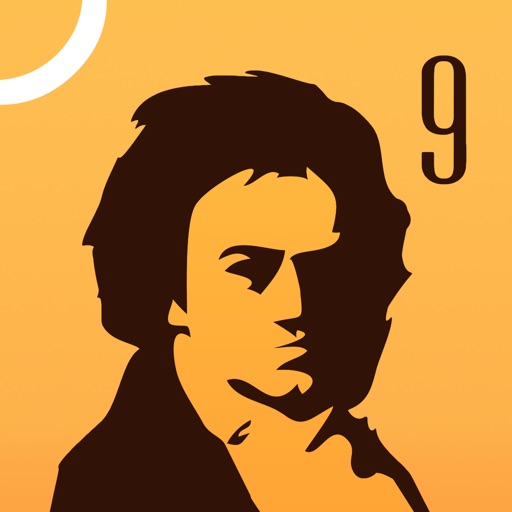
Compare performances by switching between four recordings of the piece across 50 years at any point in the music. Explore the BeatMap visualization to view different sections of the orchestrations.
Music with interactive lessons and light-up keyboard
Piano through interactive lessons and exercises. Access a library of songs and lessons. Use light-up keyboard feedback to guide playing. Track progress with visual indicators. Sync with Piano for real-time response.
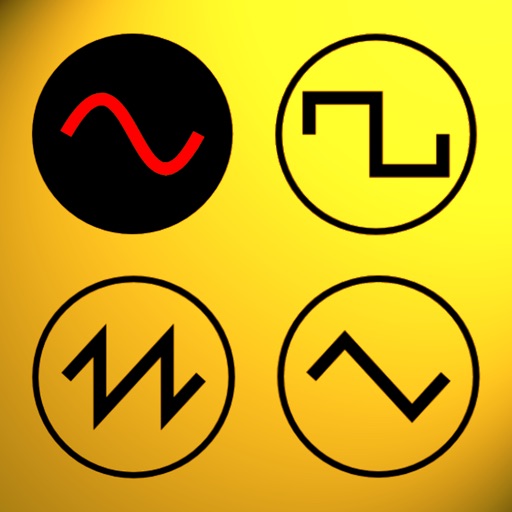
Udio tones with customizable frequency settings from 15Hz to 22KHz. Choose between sine, square, sawtooth, and triangle waveforms. Create and save custom presets. Control playback from notification drawer, lock screen, or headset buttons.