Apps Like Make-Y: AI Makeup, Face Editor for iPhone and iPad
Edit photos and videos with AI tools
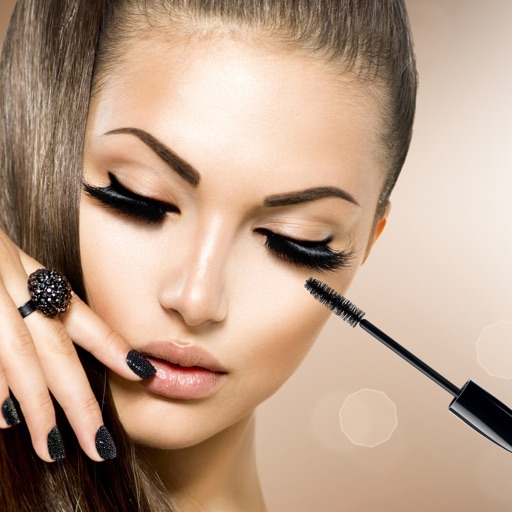
Edit photos with AI-powered tools for skin smoothing, sculpting, and makeup application. Adjust lips, eyebrows, and hair color with precision. Apply filters and simulate beauty enhancements. Share edited images directly.
by Saim Emre Kanat★ 5.01 ratingsPhoto & VideoFreeData updated 2026-09-06
Measurements to adjust height, slim figure, or enhance curves. Modify waist size, skin tone, and proportions. Export edited images in various formats and share directly.
Take selfies with filters and HD video recording. Edit photos with face enhancement tools and color adjustments. Add stickers and text. Share directly to social media. Record and edit videos with basic trimming options.
Create animated characters and videos from photos using AI. Generate 3D avatars and fairy-tale animations. Apply viral effects and customize character styles. Export and share animated content directly.
Edit photos by typing desired changes like removing acne or adding a smile. Transform faces into anime characters. Retouch skin for a smooth, natural look without filters. Adjust expressions to appear more confident in photos.
Edit photos with AI enhancements, face beautification, and face swapping. Generate AI headshots and images from text. Create videos from images with AI effects. Add AI stickers and enhance backgrounds. Share edited photos and videos directly.
Edit photos and videos with time-based filters to alter appearance across ages. Try different hairstyles, haircuts, and colors using uploaded images. Apply popular influencer effects for social media sharing.
The app allows users to digitally change their hair color, exploring various shades and styles. Users can select from a wide palette of colors and adjust them for unique combinations.
Allows users to magnify areas of the face for detailed inspection. Apply makeup and check features like eyes, nose, lips, and teeth. Share specific areas with friends for feedback. Includes auto-zoom functionality for close-up views.