Display on home screen with customizable widgets. Arrange multiple widgets in various sizes including square, rectangle, big, and small. Add favorite images to personalize the interface.
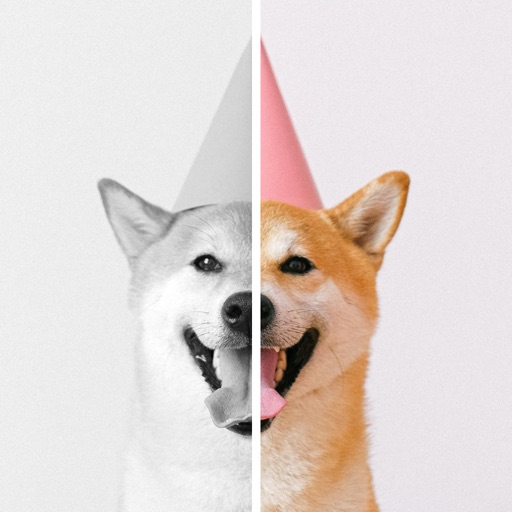
Edit photos with advanced filters, color adjustments, and mathematical transforms. Apply custom brushes and import Photoshop brushes, curves, and fonts. Repaint images and export in various formats. Share edited work on Instagram.
Apply Lightroom presets to enhance photos with filters, adjustments, and effects. Choose from urban, vintage, winter, travel, and portrait presets. Export edited images directly from Lightroom.
Create and scan a chart to generate a palette. Use the smart to select accurate colors for drawings. Mix colors to achieve desired shades and save palettes for future use.
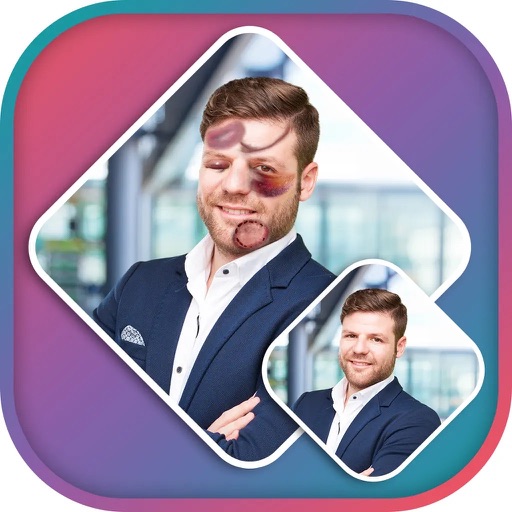
Apply effects to photos using pre-designed styles and stickers. Add -themed overlays and effects. Edit and save modified images directly. Share edited photos through integrated sharing options.
Create professional with auto-editing tools and guided walkthroughs. Capture and edit high-quality photos for MLS listings. Save and share directly. Premium features include advanced editing options and cloud storage.
Create realistic AI-generated of yourself in various styles and settings. Choose different scenarios and appearances. Edit and refine generated images. Export and share final .
Share photos in a chronological feed without algorithmic curation. View images as they are posted. No follower counts, likes, or ads. Upload and manage photos directly. Edit and annotate images before sharing.
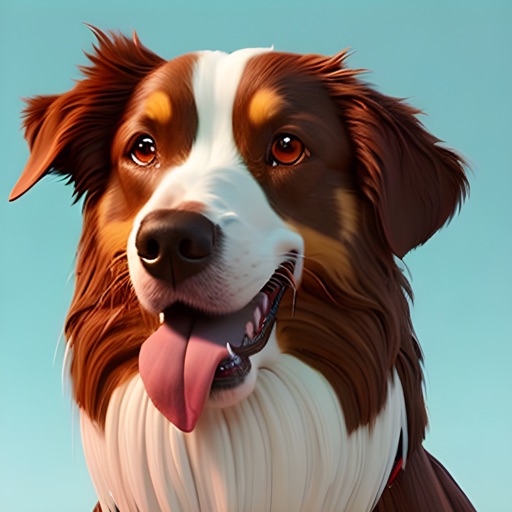
Create AI-generated images of your dog in various styles and scenarios. Upload a photo to generate visualizations. Share images on social media platforms like Instagram and Facebook. Choose from multiple artistic styles.