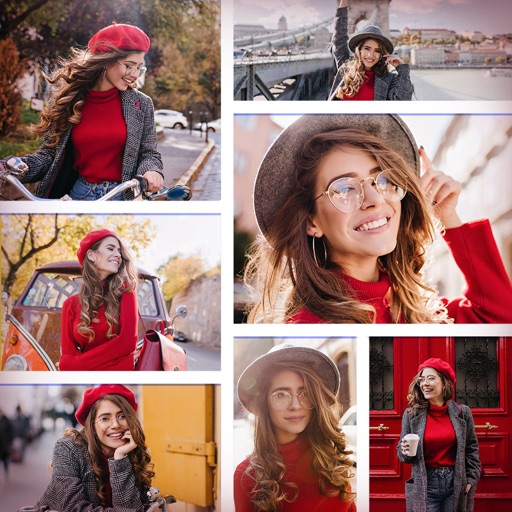
Edit photos with filters, effects, and backgrounds. Create collages and layouts with ready-made designs. Crop and mirror images for social media. Add text and frames. Share edited photos directly to WhatsApp and Instagram.
Create collages by combining multiple photos and videos. Choose from , poster, or editor modes. Adjust layouts, add effects, and stitch content together. Edit images with filters, cropping, and text overlays.
The app allows users to create commercial art mockups by uploading artwork and selecting from customizable interiors. Users can enhance portfolios, stand out on social media, and impress collectors with professional art mockups.
Create video panoramas from photos. Split images into tiles in various aspect ratios. Post sliced photos as multi-post carousels on Instagram. Adjust tile count up to 5 or 9 for layouts. Support all popular Instagram formats.
Create collages by combining multiple photos into a single framed image with captions. Add 2D and 3D effects. Share finished collages on social media platforms like Facebook, Twitter, and Flickr.
Videos into segments under 60 seconds with a single tap. Remove ads, watermarks, and in- purchases. Access dark mode and landscape view. No personal information is collected.
Create social media posts using customizable templates and drag-and-drop tools. Add text, images, and graphics. Edit colors, fonts, and layouts. Export posts for Instagram, Facebook, Twitter, and other platforms. Share directly from the .