Provide driving and walking directions with turn-by-turn voice . Access real-time traffic updates. Use Apple CarPlay for hands-free . View up-to-date satellite imagery. Explore points of interest on the map.
The app offers an elegant display with gesture controls for speed readings. It provides a speed limit alarm and a Head-Up Display mode for nighttime use.
Track driving costs in real-time by entering fuel price and efficiency. Split trip expenses with passengers. Record trips for review or sharing. Monitor speed with visual and sound alerts when exceeding preset limits.
Track speed, distance, and odometer in real time. Switch between various velocity units. Measure movement in both forward and reverse directions. Sync with other apps for data tracking.
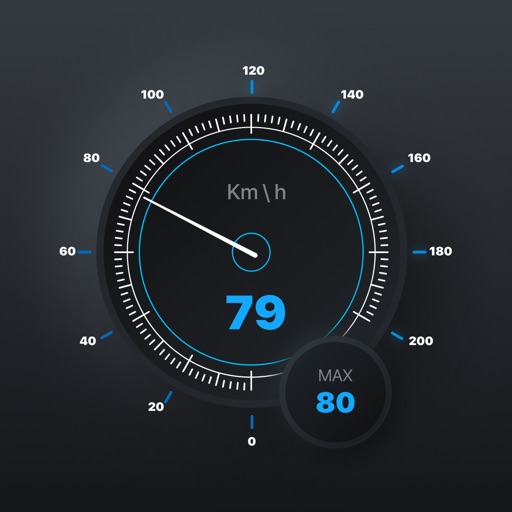
The app monitors vehicle speed and alerts users when surpassing a set speed limit. It displays current speed in km/h or mph and changes background color based on speed.
Monitor vehicle performance with real-time speed display and track 0-60 km/h and 0-100 km/h acceleration times. Access precise GPS data with 1-meter accuracy. Log ride details and view performance metrics.
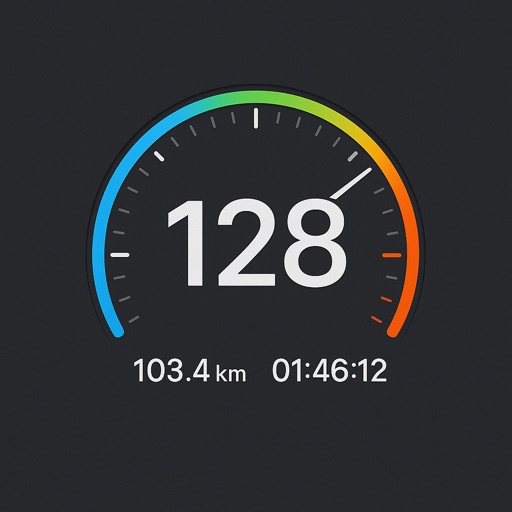
Track vehicle speed with a digital speedometer showing current, average, maximum speed, and total distance. Use offline mode for uninterrupted performance. Access two HUD modes for windshield display. Choose from 10 themes for customization.
Monitor speed and distance with real-time GPS tracking. Switch between car and bike cyclometer. View average and max speed. Adjust units to mph or km/h. Check GPS accuracy and distance precision. Track time elapsed and altitude.
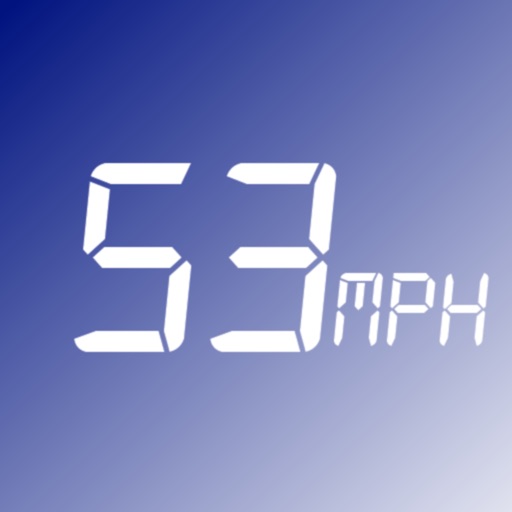
Track speed in MPH and KMH with GPS. Monitor trip distance and travel time in real-time. View data on a high-contrast display suitable for day and night use. Includes a low-light mode for improved visibility during nighttime driving.
Monitor speed and direction with a in metric or imperial units. Display major road and highway speed limits. Highlight current speed in yellow for slight excess and red for significant excess. Supports landscape and portrait orientations.
Display speedometer in digital or HUD mode with compass, odometer, and distance traveled. Show trip information including driving score based on acceleration. Track eco-driving metrics and weather data.
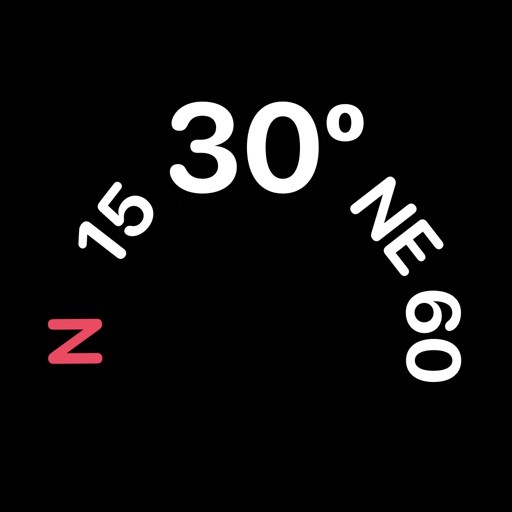
View real-time GPS maps and switch between map and views by holding the device. Track heading, , altitude, latitude, longitude, speed, and temperature. Use a for accurate navigation and monitor speedometer and temperature readings.
The app displays current speed in real-time using the iPhone's GPS receiver. It features analog or radioclock style displays and an optional HUD mode for projection onto a windshield.
Navigation allows users to view and share GPS coordinates in six formats. It includes a , altitude, distance, and sunset/sunrise tracking. Users can set and edit waypoints with photo or audio notes.
Track GPS and GLONASS satellite data including position, accuracy, speed, altitude, and orientation. Save and navigate to locations using coordinates or real-time data. Use a compass with magnetic and true north, a leveling tool, and waypoints.