Record and edit audio tracks with multi-touch controls. Mix and arrange audio files using a virtual mixer. Save and share projects directly. Access advanced features with compatible hardware.
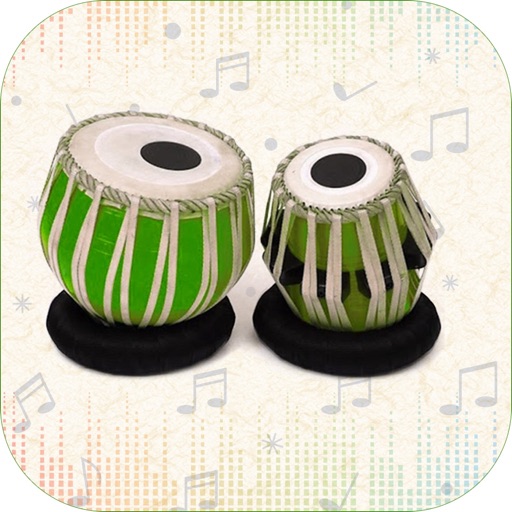
Play Middle Eastern with over 300 rhythms from Egypt, Morocco, Iran, Turkey, and Greece. Adjust tempo and measure types including 4/4, 7/8, and 15/16. Layer sounds with Round Robin samples. Export performances and share files.
Create and play -style music using , electric guitar, and percussion samples. Arrange tracks, connect to speakers for live sound, and simulate a home concert experience. Adjust settings and use built-in instruments to compose and perform music.
Track beats per minute with precise accuracy. Adjust tempo and volume. Set custom rhythms and save patterns. Sync with instruments via MIDI. View real-time BPM counter and practice timing exercises.
Create music and animations by combining handcrafted sounds and visual elements. Use intuitive gestures to sequence animal movements, rhythms, or melodies. Explore creative possibilities without predefined goals or judgments.
Create and play musical projects using clip-based sequencing. Use built-in to generate notes, chords, arpeggios, and rhythms. Connect external instruments or MIDI hardware. Apply effects and arrange audio elements for performance or production.
The app provides HD Reggae drum loops for musicians. It features intuitive controls for tempo and gain, with polyphonic percussion soundboard functionality.
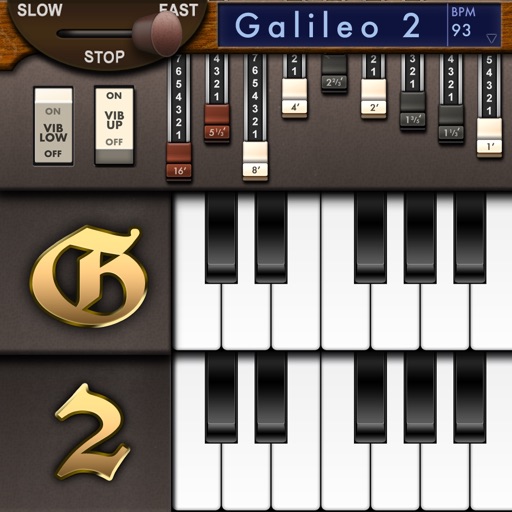
Create and customize sounds with 17 different types. Configure three manuals independently. Use scanner vibrato and chorus effects. Simulate rotary cabinets and tube amplifiers. Access AUv3 plugin for integration.
The Odd Metronome allows users to create any rhythmic pattern in any meter. The app provides three different sounds and a moving cursor to follow the rhythm visually, making it a study companion for musicians.
The app teaches users to play drums with a LearnNPlay feature that lights up drums when hit correctly. It offers multiple drum types, high fidelity sounds, and colorful graphics for a realistic percussion experience.
Develop through flash cards and exercises. Practice recognizing and playing rhythmic patterns at various tempos. Sessions progress from beginner to advanced levels across simple, complex, and irregular time signatures.
Turn your iPhone into a percussion instrument by shaking it. Choose from four sounds: Egg, , Tambourine, and Bells. Swipe to switch instruments. The uses a gyroscope to map movement and adjust audio based on shaking intensity.
Create and customize using 20 musical scales and 12 key signatures. Adjust 7 octave ranges and use 3-finger controls for playback. Share or save creations. Generate original tracks or follow pre-made examples.