Turn photos into drawings, cartoons, or sketches with one click. Apply various effects including black strokes, white strokes, pastel, and halftone. Adjust edge strength, opacity, contrast, brightness, and saturation.
Create drawings by tracing images from the 's library or photos. Adjust line thickness and color. Add text and graphical elements. Export drawings in multiple formats. Share completed artwork directly.
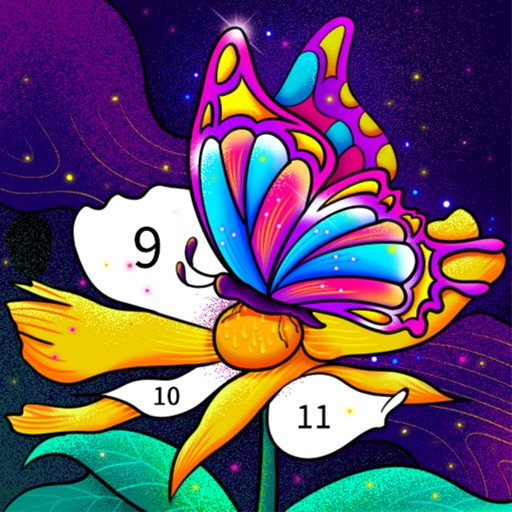
Color by number artworks can be selected and colored following numbered guidelines. Users can freely paint and save their creations. Artworks are available for free and can be explored in a casual drawing environment.
Use camera to and in real-world environments. Apply colors and textures with touch gestures. Adjust brush size and opacity. Save and share drawings directly. Sync with design tools for further editing.
Create 3D pixel art and voxel art using a full-featured voxel editor and pixel art editor. Use dozens of tools and brushes for block building, including pencil, bucket fill, and magic. Share creations via photos and videos.
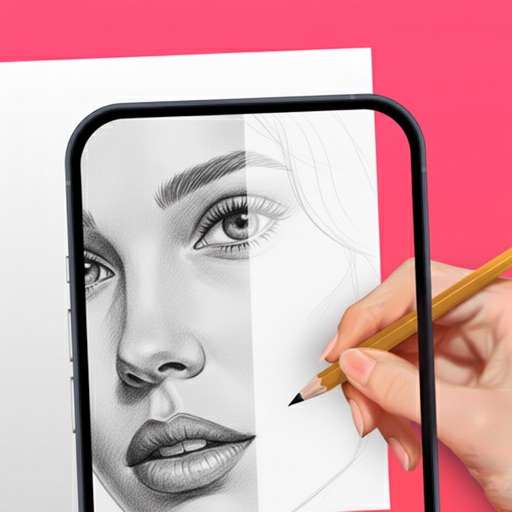
Learn to draw with -by- tutorials and AI guidance. Use your phone's camera as a projector to trace and practice. Access drawing lessons for all skill levels, from beginner to advanced.
Create 3D designs using LiDAR scanning and Smart Draw tools. Add furniture and decor from a library. View designs in augmented reality. Measure spaces and adjust layouts in real time. Export plans and share designs with others.
Images using customizable tools and colors, save creations to your photo library. Write notes as images and store them. Edit photos basic tools and save results.
Creative drawing tools allow users to draw, color, and design with brushes, textures, and shapes. Access a variety of pages featuring animals and educational themes. Erase, resize, and customize artwork. Save and share completed drawings.
Explore styles including tribal, skulls, fonts, flowers, henna, minimalist, and wolves. Select designs from list view or search. Create custom tattoos by adding elements and adjusting placement. Save and share finished designs.