Create intricate tessellations and mandalas using 20 symmetry options. Draw with customizable colors and patterns. Adjust symmetry settings to design complex shapes. Save and export artwork in various formats. Share creations directly from the .
Trap a blue dot by turning adjacent gray dots orange. Surround the blue dot with orange dots before it escapes. Tap gray dots to change their color. Play a strategic puzzle game with a confined matrix of circles.
Lets users choose from various pages to color. Features include brush for detailed artwork, multiple color options, and the ability to save and share creations. Pages can be zoomed and panned for better control.
The app offers over 20 magical brushes for users of all ages to create doodle artwork. Users can save their paintings in a gallery, play them back as animations, and share them with others.
Allows users to draw freely within borders, fill areas with chosen colors, and erase parts. Save, share, and print artwork. Adjust background music or use personal tracks. Features a simple, intuitive interface.
Create artwork by selecting up to 300x300 stitches and 128 colors. Place stitches by tapping, paint by number, and save progress. Import images for custom designs. Stitch adjacent plaids in 3x3 grids. View completed patterns and export as images.
The app offers over 1000 games including coloring, drawing, toddler activities, and cooking. These games help children develop fine motor skills, hand-eye coordination, imagination, and creativity through engaging and educational play.
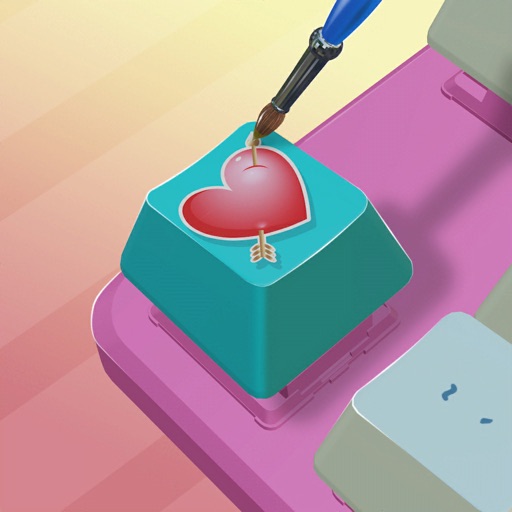
Customize keycaps with paint brushes, stencils, and spray paint. Add colors and artwork to create personalized designs. Save and share creations directly.
Color images with 2D drawings and various tools including a bucket for filling areas. Explore daily updated collections of images. Share completed drawings via social media or email.
Simulate from a swinging bucket with realistic physics. Adjust color and motion to create art. Use AR mode to project effects in real-world environments. Share artwork directly to social media.
Create custom images by adding photos as backgrounds. Touch to draw dots and customize designs. Save creations and share via social media or messaging.
Create artwork using vibrant neon colors and glowing brushes. Draw on a large canvas with sketch tools. Adjust effects and export designs in various formats.
Play by tapping to start and sliding to move. Absorb blue dots to score points and avoid red dots to keep playing. Compete with friends through in-game challenges and leaderboards. Track progress and adjust difficulty settings.