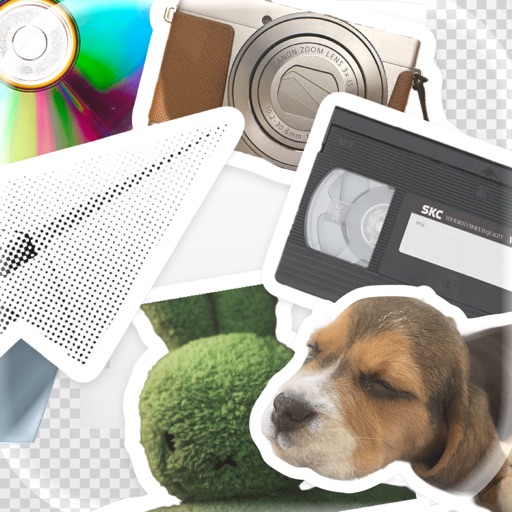
The app allows users to add typography, filters, frames, shapes, and stickers to photos. It includes tools to adjust sharpness, brightness, saturation, contrast, RGB, hue, and exposure.
Find quotes by topic and create custom . Select from solid color, gradient, or photo backgrounds. Choose fonts and customize text with emojis. Adjust size, color, transparency, and layout. Preview and save the design.
Create custom and home using photos, gradients, and stickers. Edit photos with subject separation, adjust gradients with presets, and add text or stickers. Export and set as wallpaper directly.
Create collages by combining up to 50 photos, including Live Photos, with simple taps. Choose from grid, seamless, waterfall, and Live layouts. Adjust borders, spacing, and ratios for customization. Export and share finished collages directly.
Apply with multilayered styles, including vintage film, textured finishes, and painterly designs. Adjust colors, tones, and brightness. Export edited photos in various formats and share directly.
Colors by adjusting sliders and steppers for precise control. Select from a variety of combinations. Customize settings for accurate matching. Save and review designs. Play in dark mode with a clean interface.