Provides artists with -compatible brushes for iPad and iPad Pro. Includes original references and brushes created by artists. Allows users to access and organize design elements for creation.
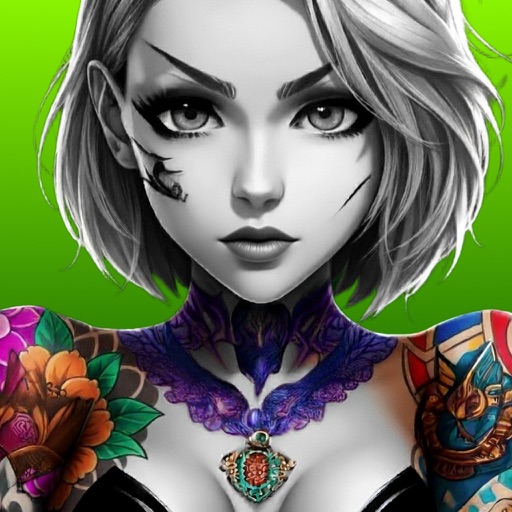
Design tattoos by inputting ideas and refining designs using AI tools. Generate concepts from sketches or text. Explore various styles and adjust details like placement and size. Export designs for consultation or customization.
Explore styles including tribal, skulls, fonts, flowers, henna, minimalist, and wolves. Select designs from list view or search. Create custom tattoos by adding elements and adjusting placement. Save and share finished designs.
Create personalized designs using AI-generated artwork. Choose from various styles and customize elements. Preview tattoos on body images. Save and share designs. Adjust colors and details. Export high-resolution images for consultation.
Generate designs based on user descriptions using AI. Customize elements like style, symbols, and text. Export designs in various formats and share directly.
Create designs by typing text and selecting a style. Generate multiple options instantly. Choose from various artistic styles. Save and share designs directly. No drawing skills required.
Generate custom designs based on user descriptions and style preferences. Choose from minimalist, neo-traditional, surrealism, and other styles. Edit and refine designs with drag-and-drop tools. Save and share concepts directly.
Edit photos to enhance facial features, shape, and specific areas like abs, waist, and muscles. Adjust colors, add accessories, and modify facial elements such as nose, eyes, and hair. Save and share edited images directly.
Tattoos using AI-generated concepts from text prompts or image references. Preview designs in real-time on your body via AR. Customize tattoos with color, style, and placement options. Export and share designs directly.