Create art and cross-stitch patterns with palette selection and gridline toggle. Use eraser, drag or tap to draw, and long press to fill. Trace images and export as files. Supports cross-platform creation.
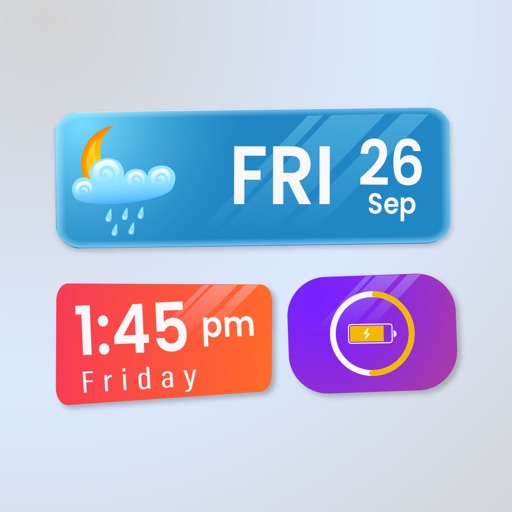
Widget King allows users to add dynamic to their home screen. Choose from sporty, racing car, cliff, bridge view, and aesthetic . come in three sizes. Users can customize and arrange on their iOS 14 home screen.
Create and customize with two color pickers. Adjust color stops and opacity. Export as PNG or SVG. Share designs via copy link or social media. Sync with tools like Adobe Color.
Create professional documents with editable templates, layouts, and assets. Design resumes, CVs, reports, and presentations. Customize formatting, add graphics, and adjust layouts. Save and export in format.
Create illustrations, logos, and UI designs with precise drawing tools. Import and edit graphics. Organize projects in workspaces. Export in multiple formats. Collaborate in real-time with others. Adjust colors, shapes, and layers.
Create animated videos with customizable backgrounds and social media formats. Use a doodle editor with unlimited layers and custom speed frames. Export and share finished animations.
Create art using with 2-fold to 128-fold options. Draw patterns or let the generator create designs. Adjust brush size and style. Share creations on Facebook, Twitter, Instagram, and other platforms.
The app allows users to create pixel art for iron-on beads and bead stitching. It supports importing and scanning photos into a pixel art canvas with adjustable sizes and various bead shapes.
Create flowcharts, org charts, and process diagrams with drag-and-drop node addition. Use infinite canvas and 24 themes for customization. Organize nodes with containers and group them for complex layouts.
Create custom logos and graphics using pre-designed templates and tools. Import personal images for customization. Save and share designs directly. Edit colors, shapes, and text. Export in various formats for print or digital use.
Crop photos using a cropping tool. backgrounds and unwanted objects with an eraser tool. Select areas to erase and create transparent backgrounds. Edit images for white or clean backgrounds. Export edited photos and create stickers.
Create pixel art sprites with drawing tools and a powerful engine. Open and edit pixel art files from Files. Use iCloud Drive for cloud storage. Support Apple for precise input. Import and customize color palettes.