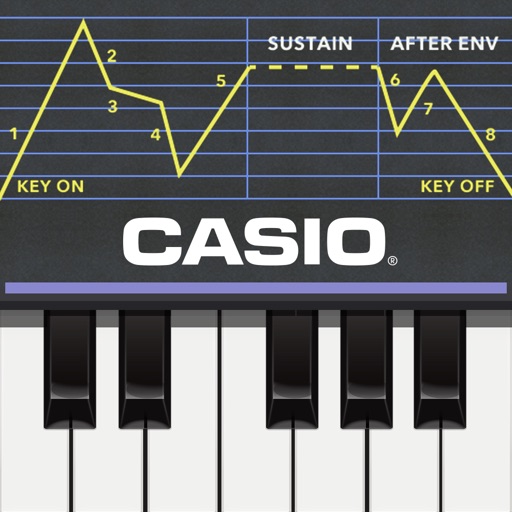
The app reproduces the functionality of Casio’s CZ-series models with a built-in 4-part PD sound source and 36 waveforms. Users can create and play tones on MIDI-compatible instruments, and play along to audio files on an iPad.
Convert text inputs into unique waveshapes for bass sounds. Generate monophonic sub- tones from user-generated phrases. Customize audio output with codes.
Add warmth and noise to audio with . Apply saturation, wow, and flutter effects. Adjust parameters for lofi or distorted sounds. Use as a master effect or channel insert. Export modified audio files.
Analyze stereo image and frequency correlation in real time. Detect mono down-mix compatibility. Adjust audio settings for balanced output. Monitor microphone input and process signals instantly. Ensure high-quality audio for mobile playback.
Use a microphone to create live or recorded loops with trigger modes via keyboard. Process sound with bit and sample crusher, delay, and flanger. Play using a 25-key dynamic keyboard or core MIDI.
The app transforms a user's voice into a choir with up to four voices. It offers pitch shifting, harmonizing, and automatic tuning correction with a visual intonation display.
Apply pre/post Moog ladder filter for tone shaping. Use bitcrusher with adjustable rate and bit controls for texture. Access distortion modules with various reshaping algorithms. Utilize reverb with freeze function for spatial effects.
Create custom playlists from device songs. Apply real-time effects including speed change, pitch shift, 10-band EQ, reverb, and center cancel. Adjust settings via toolbar buttons for , tune, EQ, and reverb.