Create and share music with notation tools and templates. Practice rhythms with metronome and playback features. Collaborate with others through community forums and sharing. Sync progress across devices and access a library of user-generated scores.
Create and tracks using pads and sound libraries. Record and edit audio. Export files in various formats. Sync with other music apps. Adjust tempo and effects. Add loops and samples. Save and share projects.
Create and arrange melodies, bass lines, and drum beats by moving dots on the screen. Switch chords and patterns instantly. Apply delay and reverb effects to instruments. Tap or drag to build sequences. Sync with AirPlay for playback.
The app allows users to send notes, program changes, or controller events to Core Midi devices. Users can customize pads, add multiple pages, and group pads with matching colors.
Play using a realistic virtual instrument modeled after the 275 Titanium Grand . Adjust touch sensitivity, select from multiple samples, and customize sound settings. Save and share performances directly.
Create and play music with chord circles and strum keys. Switch between major and minor keys. Play scales and set auto-accompany with drums, bass, and arpeggiators. Record performances and share them.
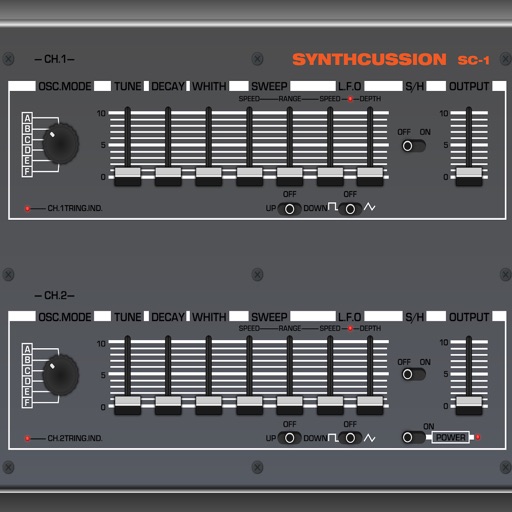
Create drum sounds using a unique synth without samples. Adjust parameters for tone and rhythm. Save and load presets. Export audio files and share directly.
Create and edit music with a multi-track sequencer. Record and adjust patterns in real-time with quantization and undo options. Use an integrated drum sampler with individual effects and XY pads. Load external AUv3 instruments and effects.
Create beats and melodies using drum kits, synths, and melodic instruments. Sample audio via phone microphone. Edit MIDI sequences and export tracks to Live. Explore sound libraries and experiment with effects. Save and share musical ideas directly.