Track routes for hiking, running, cycling, and other activities with GPS. View recorded paths on maps. Save favorite locations for quick access. Measure distance, speed, and elevation. Export data in various formats.
View , speedometer, and in one screen. Access big icons for easy navigation. Control playback and adjust volume. Display real-time speed and trip information. Sync with Bluetooth devices for hands-free calling.
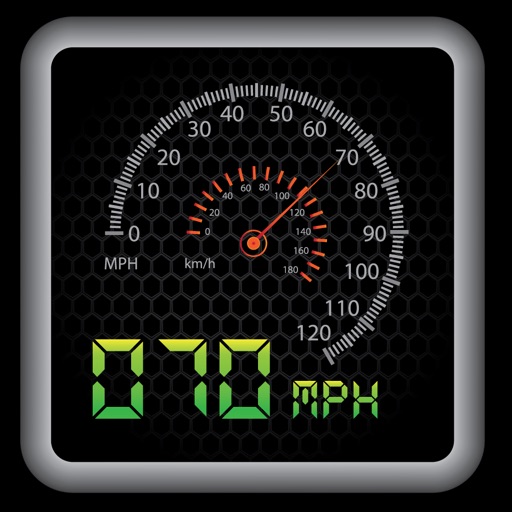
The app provides a heads-up display for a car, offering GPS-based speed information with MPH and KPH options. It includes digital and standard font modes, 12 and 24-hour clock options, and portrait and landscape orientations.
Check Wi-Fi connection with a one-tap . Measure download and upload speeds. Ping websites to identify connection or site issues. Scan connected devices on your Wi-Fi network. Save and analyze connection data. Choose the hotspot based on performance.
Provide real-time GPS navigation with voice guidance and live traffic updates. Display 3D maps and satellite views. Offer offline map access and local recommendations for food, events, and activities. Include Google Street View integration.
Manage downloads with pause and resume options. Adjust priority and reorder queue. Preview files directly or via Files . Auto-rename files and correct errors. Use multiple threads for faster transfers while conserving battery.
Track speed using iPhone's GPS. Display speed in mph or km/h based on region settings. Show max and average speed. Choose between digital and analog display styles. Monitor speed during car, bike, running, or riding activities.