Create freehand artwork from real-life images using AR technology. , , and paint over live camera views. Add text and stickers to drawings. Export creations in multiple formats and share directly.
Create animated drawings on videos with adjustable stroke colors and erasing tools. Animate strokes to emphasize content. Export videos in full resolution with a premium upgrade.
Create art with 10 brushes. Adjust brush size and color randomly. Import photos to doodle on. Add drawings to family images for customization. Save and share completed artwork.
Create animations by drawing frames and applying motion effects. Use pre-designed templates to start projects. Export animations in video format and share via social media or email.
Filters, adjustments, and effects. Apply blur, focus, and rotation. Add stickers, text, and on images. Crop, resize, and enhance . Remove blemishes and whiten smiles. Save or share edited images.
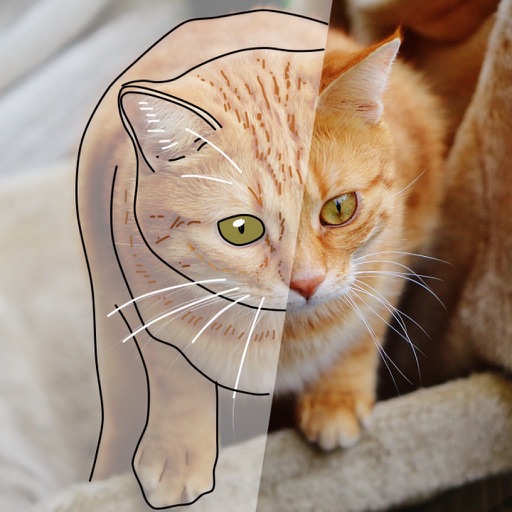
Use AR to sketch and paint on paper. Select images from the built-in gallery. Position paper on a flat surface for accurate drawing. Draw over projected images with precision. Save and share artwork directly.
To with guided lessons that show real strokes from professional artists. Practice step-by-step techniques to build confidence and accuracy. Use Apple Pencil for precise input and track progress through interactive exercises.
Over image templates with automatic pen tracking for accurate . Select from preloaded categories like animals, flowers, and vehicles. Choose from over 150 colors to customize drawings. Export final artwork in various formats.
Create digital drawings with intuitive tools and pencil support for precise artwork. Save and back up projects across devices. Access a variety of features for creative expression.
Create images using AI without internet or subscriptions. Use prompts to generate art locally on your device. Access advanced models like SDXL and FLUX.1 for detailed outputs. Adjust settings for precise control over image creation.