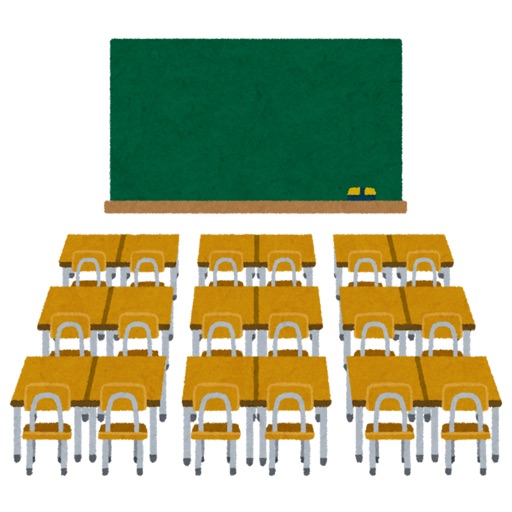
Create charts by tapping and dragging student names into positions. Rotate room layout to match actual setup. Manage multiple classrooms with Rooms. Delete or edit charts as needed. Add student names to each seat.
by Bo Kalvslund★ 4.610 ratingsEducationFreeData updated 2026-09-06
Teaches pre-K children with interactive games that build 170 sequenced skills. Tracks progress and provides real-time assessment data to teachers. Includes activities focused on literacy, numeracy, and motor skills.
The app offers over 200 educational documents in PDF format, including notation paper, flashcards, and exercises. Content is optimized for printing and accessible across devices without an internet connection.