Create using a drawing interface with customizable brushes and pencils. Import and animate vector graphics. Export frames as images or video. Add sound effects and background music. Share directly to social media or email.
Learn techniques through animated instructions and step-by-step 3D guidance. Create simple to complex figures with adjustable difficulty levels. Fold paper into various shapes without needing video tutorials.
Create handwritten notes on iPad or iPhone. Import and annotate PDFs. Draw ink with finger, resize, recolor, and move doodles. Add text with customizable fonts, color, and alignment. Include shapes like arrows, polygons, and diagrams.
Register for classes, camps, and events directly through the . Receive instant notifications about schedule changes, studio closings, and special announcements. Manage journey details and stay updated on registration openings and upcoming events.
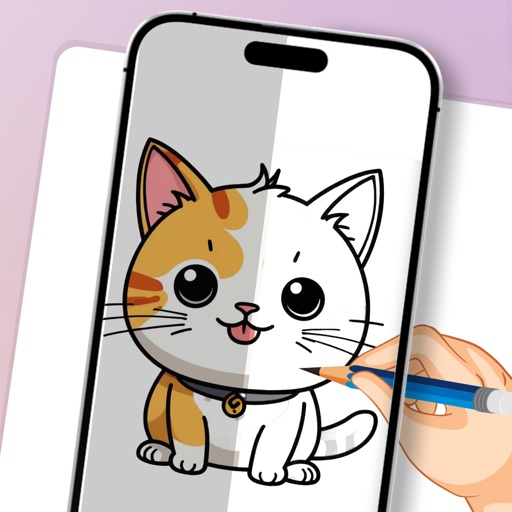
To draw with step-by-step visual guides that break down illustrations into simple steps. Choose from drawings of animals, characters, and vehicles. Draw on real paper while the device shows instructions.
Trace images by importing personal photos or using predefined options. Lock the display to prevent accidental movement. Convert photos to line art for clearer . directly on the converted outline. Export drawings in multiple formats.
Create AI-generated art by entering prompts and selecting styles. Upload photos to transform into artistic designs. Choose from diverse styles like Pixar cartoon or photorealism. Edit and enhance artwork with built-in tools.
Search words, listen to pronunciations, save favorites
Search words using Simplified or Traditional , Pinyin, or . Access native pronunciation, favorites, and history. Learn vocabulary offline with a large word database. No internet required.