Apps Like Parrot: Record & Improve for iPhone and iPad
Audio and play it back instantly
Audio for singing, speaking, or playing an instrument. Playback audio immediately after recording. Practice specific phrases or musical segments. Store audio files locally on the device. Repeat recordings for improvement.
by Marcin Michalak★ 0.00 ratingsMusicFreeData updated 2026-09-06
Boost audio for music, videos, and calls. Adjust sound clarity and balance. Supports playback of audio files and online meetings. Offers simple control and sound enhancement features.
A tremolo effect plugin for iOS audio units. Applies FM-based LFO modulation to audio signals. Adjusts volume with VCA and low-pass gate controls. Enhances instrument tracks with dynamic audio movement.
Learn songs by analyzing their structure, such as verse and chorus. Use YouTube videos to practice singing with real-time feedback on pitch, portamento, and vibrato. features allow users to sing along with synchronized audio and video.
The app provides the visuals and sounds from the Nine Inch Nails song “Echoplex” as performed during the “Lights In The Sky” tour. Users can recreate the drum line and use the application as a music instrument.
The app analyzes audio with AI instrument recognition and a sound level meter. It offers a 7-band equalizer and bass booster for sound sculpting and volume enhancement.
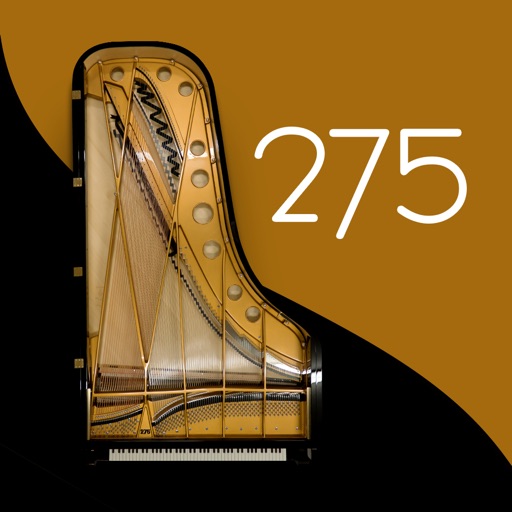
Play using a realistic virtual instrument modeled after the 275 Titanium Grand . Adjust touch sensitivity, select from multiple samples, and customize sound settings. Save and share performances directly.
Listen to continuous hymns, anointed singing, and preaching 24/7. Access local church service recordings. Subscribe to receive updates and connect with the church community.
Record and edit audio files with precise trimming and merging. Add effects like pitch, reverb, and gain. Insert recordings indefinitely. Support audio clipping, sound processing, and ultra-high precision editing.
Stream live and on-demand broadcasts from HBC and . Access HBC original programming, including gospel music and sermons. Request songs and listen anytime, anywhere.
For verses, choruses, and other sections. Record audio for each section separately. Use the Chord Picker to insert chords. View chords above in display mode. Add guitar tablature and chord diagrams.
Create and control orchestral sounds using MIDI input from external keyboards or Bluetooth devices. Adjust instrument parameters, apply effects, and route audio through Audio Unit or Inter- Audio.
Explore audio triggered by GPS or iBeacons in geofenced areas. Listen to content created by authors and artists. Keep device in pocket while walking. Navigate locations and access related audio experiences.
Analyze audio in real time with and FFT measurements. Visualize frequency response and adjust settings for room or speaker tuning. Export measurement data for further analysis.
The app allows users to listen to live audio and recordings from various creators. Users can follow channels, receive notifications for live events, and engage with the community through chat.
Control Bluetooth devices wirelessly from an iOS device. Adjust lighting modes, colors, and brightness. Manage audio settings including volume and modes. Customize alarm functions for sleep, nap, and alarm schedules.
Allows users to practice ear by playing back pitches on their instrument. The uses pitch recognition to identify notes and provides feedback. Users can select different instruments and practice identifying and replicating musical notes.