Create and save multi-track music projects on iPad, iPhone, or Mac. Record and import audio tracks, browse samples with previews, apply effects, and use high-quality synthesizers and drum kits. Edit, mix, and render complete songs.
Adjust attack and sustain stages of audio signals. Apply precise dynamics processing. Customize shaping parameters. Compatible with audio editing software. Suitable for drum enhancement and other audio applications.
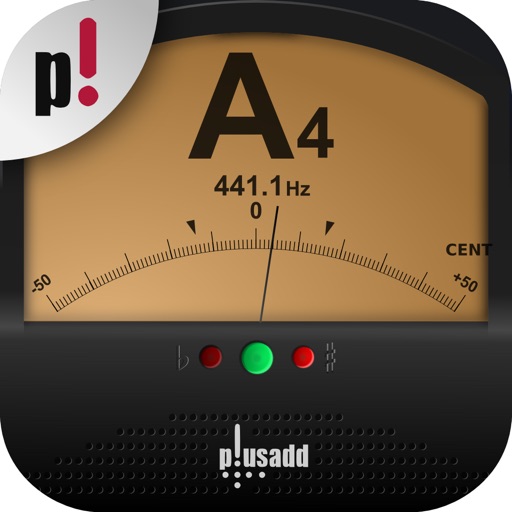
Allows users to tune instruments using the device's microphone. It supports custom temperaments and transposition. Features include solfège notation, adjustable calibration, and a spectrum power indicator for sound visualization.
Record up to 4 tracks with options to unlock 8 in Pro mode. Create loops with smart automatic looping for beats and guitar riffs. Add volume control and track effects. Record in real time or export tracks. Include beatbox, vocals, and harmonies.
Separate vocals, drums, and instruments from audio using AI. Split tracks into individual stems. Remove background noise. Create karaoke, acapella, or instrumental backing tracks. Export and share edited audio files.
Select instrumental tracks from a high-quality beats catalog. Record your verse, mix voice with effects like autotune or reverb. Share the final track with friends.
Create and customize drum kits with samples, presets, and modulation options. Sequence patterns with intuitive editing tools. Import custom samples and use intelligent randomizers for new drum ideas. Export and share drum sequences.
Clean speakers and headphones using sound waves to remove dust and moisture without disassembly. Perform automatic or manual cleaning with scheduled reminders. Conduct basic sound tests to check speaker functionality.
Record and compose music with 12 tracks for sound loops. Dub tracks in real time without stopping. Use reverb, filter, volume, pan, and pitch effects. Export recordings in audio format.
Record with multitrack support, add and edit files across tracks. Record voice and instruments in high quality without limits. Use basic editing tools to cut, copy, and paste . Save files in various formats.
Files with cutting, copying, pasting, trimming, fading, and silence tools. Apply sound effects like pitch, reverb, delay, and adjust EQ for professional tuning. Record voice or and save in various formats.
The app provides a music production environment with a piano keyboard and studio-quality instruments. It includes a multi-track sequencer for editing notes and applying effects.
Tune guitars with precise frequency detection. Adjust tuning settings for different string gauges. Display real-time tuning accuracy. Sync with audio input for live performances. Disable visual elements for stage use.
Increase audio up to 1000% without distortion. Enhance low-quality sound clarity. Adjust levels for weak microphone or speaker outputs. Amplify audio files while maintaining sound quality.
Tuner+ provides reference pitches for tuning instruments like guitar, bass, banjo, mandolin, cello, violin, piano, viola, and ukulele. It offers real audio and sine wave tones. Supports VoiceOver accessibility for users with visual impairments.