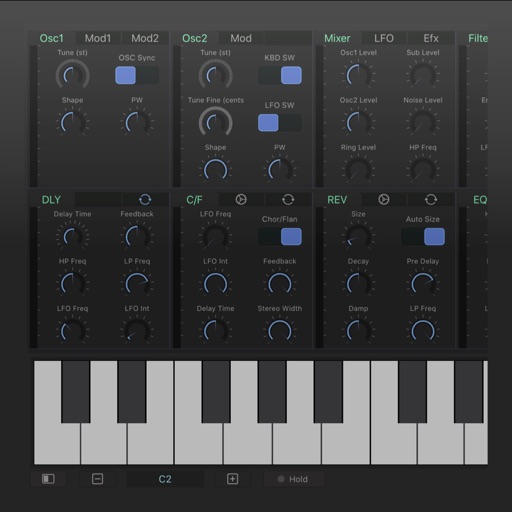
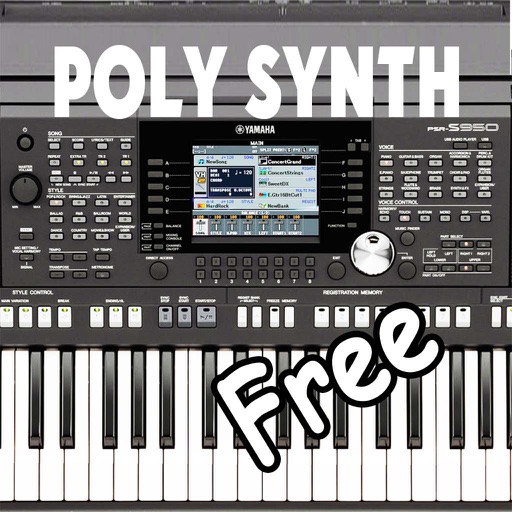
Create and layer sounds using up to four independent synthesizers. Each layer includes three VCOs, a sample or wavetable source, and recording capabilities. Set up to 16 voices per layer.
A guitar amplifier with independent . Each channel has separate gain, tone, presence, and volume controls. Channel 1 offers clean and pushed voicing modes. 2 and 3 provide voicing options for tone customization.
Adjust audio frequency bands independently for precise dynamic control. Apply compression to specific frequency ranges. Fine-tune attack, release, ratio, and threshold settings. Monitor and adjust gain staging during mixing or mastering.
The app generates bass tones from 10–150 Hz to test and tune car or home audio systems. It uses pure frequencies for precise adjustments, finding rattles, and setting amplifier gain.
Turn your iPhone or iPod Touch into a musical instrument. Select chords and strum strings with fingers to create arpeggiated sounds. Edit and share songs, use MIDI support, and transpose notes with in- purchase.
The app provides a tool for users to write and learn music. It offers a fretboard slider for chord positions and inversions, a strumming interface, and the ability to see chord structures.
The app provides blues guitarists with backing tracks in various keys and tempos. Users can adjust instrument volumes, access scales and modes for improvisation, and follow video tutorials.
Adjust audio files by changing pitch and tempo independently. Select and loop specific regions. Export modified audio. Useful for practicing instruments, transcriptions, and adjusting audiobook .
Apply effects to guitar and bass tracks. Adjust threshold, attack, and release settings. Includes a tube preamp for signal coloring. Compatible with audio production software.
A distortion with an 11-string bass layout for microtonal playing. Adjust octave ranges and tuning. Combine features to create varied sounds. Display note names and basic settings. No visual effects or graphics.