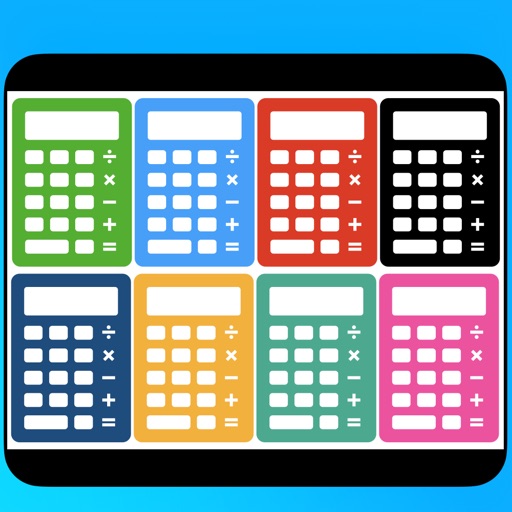
Display multiple calculators for different purposes. Perform calculations using each calculator. Switch between calculators for various tasks. Input numbers and operators for accurate results.
by Hideaki Uchikoshi★ 0.00 ratingsUtilitiesFreeData updated 2026-09-06
Solve basic problems with a user-friendly . Handle complex equations with functions. Perform calculations, graph functions, and convert units. Store frequently used formulas for quick access.
Provides construction information with over 1,500 illustrations, 100 guides on energy-efficient building, and 30 calculators. Users can access topics like construction safety, woodworking methods, concrete placement, and project planning.
Manage multiple social media within a single . Switch between easily. Set a password to secure your data and protect privacy. Supports account duplication for different platforms.
Calculate driving , flight , and fuel costs between locations. View travel time and elevation data. Convert results to miles, kilometers, meters, or feet. Find coordinates in DMS or decimal format. Display road maps for routes.
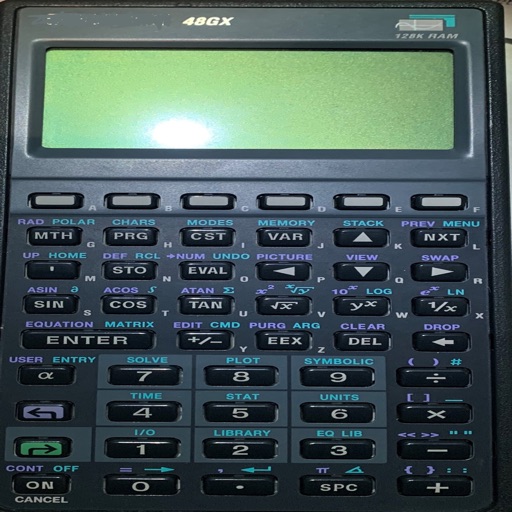
Perform complex number calculations and trigonometric functions. Handle matrix operations and numerical root finding. Calculate integrals and statistical values including linear regression. Write and execute custom programs. No ads or in- purchases.
Perform complex mathematical calculations including trigonometric functions, logarithms, and exponentials. Switch between radians and gradients. Edit equations and save results for future reference.
Perform calculations with a standard , convert currencies, calculate tips, and compute taxes. Input numbers and operators to get results. Share calculations via email.
Calculate wire pull characteristics and generate NEC®
The includes multiple calculators for electrical wire pull calculations. Users can input parameters for voltage drop, ground wire sizing, ampacity adjustments, and phase wire attributes. Results are generated according to NEC® standards.
Calculate reconstitution volumes by selecting units, tick marks, and quantities. Input sterile or bacteriostatic water volume and desired amount. Choose instrument type for accurate results. Adjust settings for precise calculations.
Access technical procedures with fast navigation through 240 illustrated pages. Watch updated video tutorials and use shoring calculators to generate cut-lists. Save and share critical information directly.