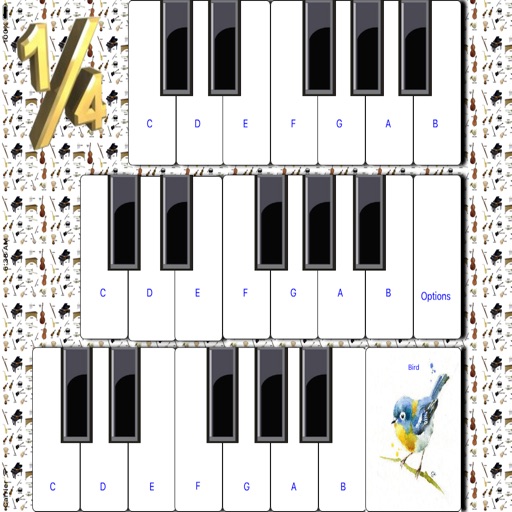
Play sounds with realistic sampling and dynamic key sensitivity. Adjust tuning, transpose notes, and apply reverb or chorus effects. Practice with accurate pitch response and explore microtonal options.
by Alper Kahriman★ 5.02 ratingsMusicFreeData updated 2026-09-06
Access studio-quality backing tracks for practice and performance. Customize tracks to fit your style. Sync with chords, diagrams, and lyrics for real-time guidance. Jam with virtual band members. Share performances and receive feedback.
Edit by splicing, mixing, and cutting. Record with wired or wireless earphones. Adjust playback speed from 0.2 to 4 times. Balance left and right channels. Export edited files.
Securely store and hide sensitive documents and files with encryption. Set custom passwords and fake codes to restrict access. View hidden content through a shared code. Lock and unlock files with a passcode.
Learn numbers, letters, colors, and shapes through interactive games. Play animal sounds and musical instruments like , guitar, and drums. Correct pronunciation is emphasized. Parents can use the to engage toddlers in educational play.
Play the oud with four sound options: Traditional Oud, Middle East Oud, Turkish Oud, and Electro Oud. Adjust microtonal tuning, transpose notes, and apply echo and chorus effects.
Practice musical notes with adjustable pitch and octave selection. Choose difficulty levels from easy to expert. Use reference pitches in practice mode. Transpose notes to different keys. View note names, piano keys, or solfege.
The app offers 25 different instruments for users to explore and create music. It fosters creativity, motor skills, and an appreciation for sounds and music, with a simple and intuitive design for all ages.
Children can play virtual instruments like , xylophone, trumpet, flute, violin, guitar, drums, saxophone, and accordion. They can create melodies, tap rhythms, and customize instrument sounds.