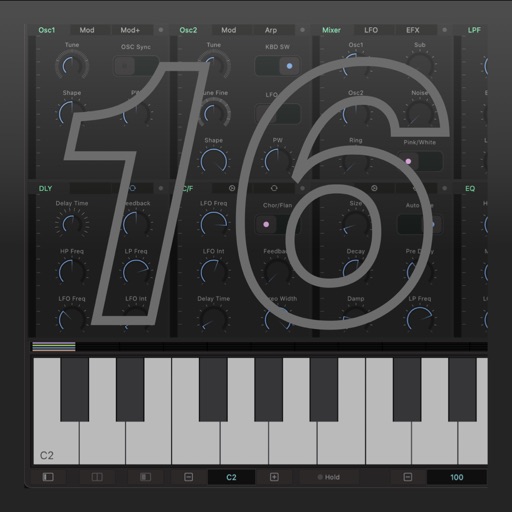
Play sounds with realistic sampling and dynamic key sensitivity. Adjust tuning, transpose notes, and apply reverb or chorus effects. Practice with accurate pitch response and explore microtonal options.
by Alper Kahriman★ 5.02 ratingsMusicFreeData updated 2026-09-06
Create and manipulate audio by dividing samples into tiny grains. Adjust pitch, duration, position, and volume of each grain. Layer and sequence grains to build complex sounds. Export modified audio files.
Allows users to adjust and calibrate instrument pitches. Select frequency and tuning settings. Display pitch for each string with high or low indicators. Calibrate piano sound by clicking open strings. Adjust A4 frequency between 428 and 452 Hz.
Transcribes violin playing in real-time, showing intonation and timing. Records sessions for review. Marks sheet as played and scores performances. Includes scales and arpeggios in all keys. Features tuning, playback, and metronome.
The app provides a real-time reverb audio effect with a 32-bit DSP engine. It allows users to adjust numerous parameters for diverse sounds and includes built-in resonant filters.
Create beats by drawing with fingers on the screen. Use multiple fingers to layer sounds. Adjust tempo and rhythm. Export tracks in audio format. Share creations directly.
Turn your iPhone or iPod Touch into a musical instrument. Select chords and strum strings with fingers to create arpeggiated sounds. Edit and share songs, use MIDI support, and transpose notes with in- purchase.
The app offers a realistic bongo playing experience with 10 drum layouts and high fidelity sound. It includes a Learn'NPlay feature to teach rhythm with visual feedback and 30 percussion loops for practice.
Play virtual with MIDI controllers or keyboards. Adjust articulation, dynamics, and breath effects. Use Room Simulator "Ambiente" for spatial audio. Load and save presets. Export audio in multiple formats.