Apps Like Clocks - A fun standby mode for iPhone and iPad
Set time, choose background, customize clock
Display time with customizable and animated backgrounds. Choose from 10 clock styles and 20 backgrounds. Adjust font and color options. Set as screen saver with Pro Park download. No ads.
by Daniel Destefanis★ 4.6240 ratingsUtilitiesFreeData updated 2026-09-06
Calculate -related conversions, fuel consumption, and navigation metrics. Perform arithmetic operations and unit conversions. Track time, distance, and speed. Sync with Apple Watch for real-time updates.
Displays time in LCD and LED styles with multi-lingual support and localized date formats. Locks orientation for landscape mode. Sets alarms. Allows night-time reading with large digits. Syncs with Apple Health.
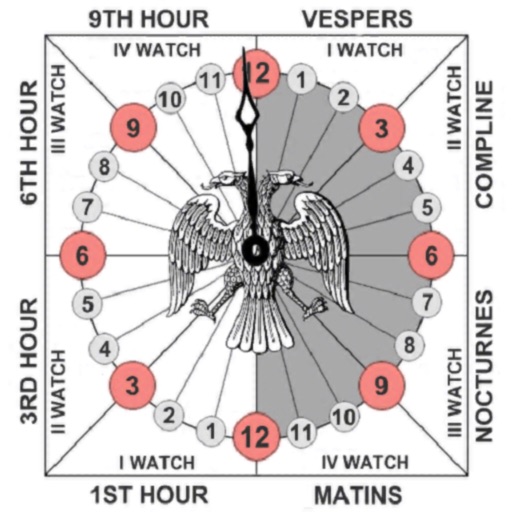
Track prayer times based on time calculations. Adjust for location using GPS or manual input of coordinates. Display times in 12-hour format starting at evening. Include historical context about ancient Judean timekeeping methods.
Provides quick access to apps, , and shortcuts on the Home Screen, Lock Screen, and Notification Center. Users can customize layouts, set up shortcuts, and manage .
Customize device appearance with themes, icons, and . Apply pre-designed themes for unified look. Add aesthetic to home . Use animated wallpapers and live wallpapers. Change with themed backgrounds. Sync with 26.
Calculate with dual-line display and multi-line input
A with dual-line display showing input and result. Supports multi-line equations and tap-to-move cursor. Saves calculation history with timestamps and labels. Allows emailing calculations and swiping to review previous entries.
The app offers a collection of analog clocks for iOS/iPadOS devices. Users can swipe to switch clock styles, show or hide the date and seconds, and adjust brightness.
Set alarms with multiple options and repeating schedules. Lock alarms to prevent accidental cancellation. Shake device to stop the . Use preset volume ringtones designed for waking. Cannot be muted or silenced once activated.
Customize home screen with widgets like wallpaper, photo wall, and countdown. Adjust settings for appearance and function. Swipe to select preferred widgets. Sync themes with device for adaptive updates. Personalize screen with tailored content.
Manage multiple time zones with a world clock manager. Add to the bar for quick access. Customize clock appearance and create custom time zones. Favorite for faster access. Adjust settings for an elegant and user-friendly interface.
Set alarms for multiple time zones. Add clocks for different locations and schedule alarms based on specific times. View current time in selected time zones and receive notifications when alarms trigger.