The app allows users to write notes and draw on images using a text editor. Users can select photos from their gallery or take new ones to add captions and convey messages with drawings.
The app allows users to add text and image watermarks to photos. Users can also resize, rotate, adjust color, and apply special effects to multiple images simultaneously.
Create original songs from text input using AI. Adjust tempo, key, and genre. Add vocals, instruments, and effects. Export tracks in multiple formats and share directly.
The app simulates a blackboard effect with chalk fonts and supports multiple blackboard styles. It offers a playback function to replay the entire drawing process and generate a video to share with friends.
Visualize exterior wall colors by taking a photo and selecting a shade. Apply the to the entire wall with a single tap. Explore a wide palette to find the match. Preview how the chosen appears on the building.
Create and customize text with various fonts, symbols, and emojis. Add hearts and special characters to style names or signatures. Copy and share generated text with others.
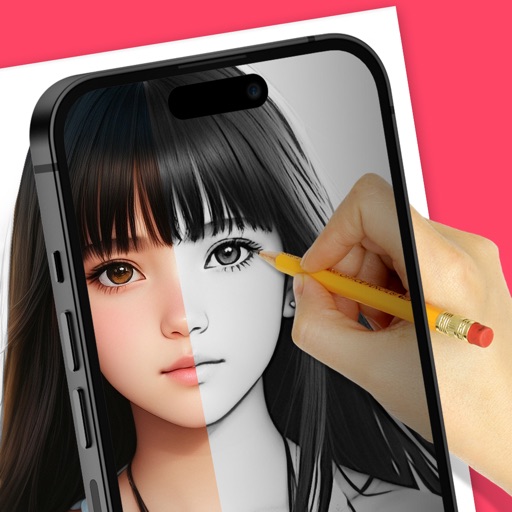
Trace images to create sketches or drawings. Adjust line thickness and brush styles. Use an eraser tool. Apply filters to images. Select from gallery or take new photos. Draw on paper with phone held 1 foot above.
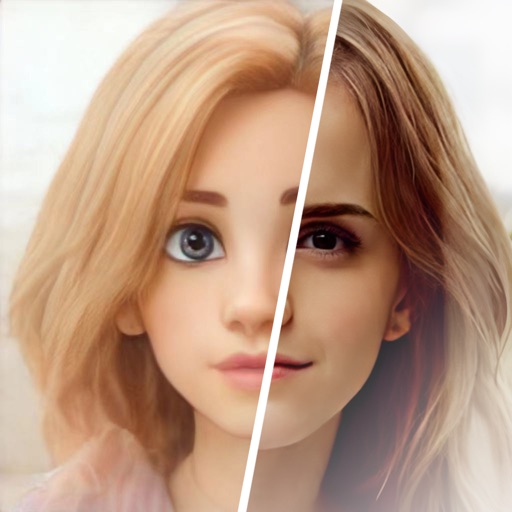
Edit photos with , oil painting, art, dream, sketch, magic, anime, and comic filters. Apply effects to selfies or images. Save and share edited photos directly.