Apps Like Deco – Lock Screen Wallpapers for iPhone and iPad
Design screens with photos and gradients
Create custom and home using photos, gradients, and stickers. Edit photos with subject separation, adjust gradients with presets, and add text or stickers. Export and set as wallpaper directly.
by William Jones★ 4.823 ratingsPhoto & Video$2.99Data updated 2026-10-18
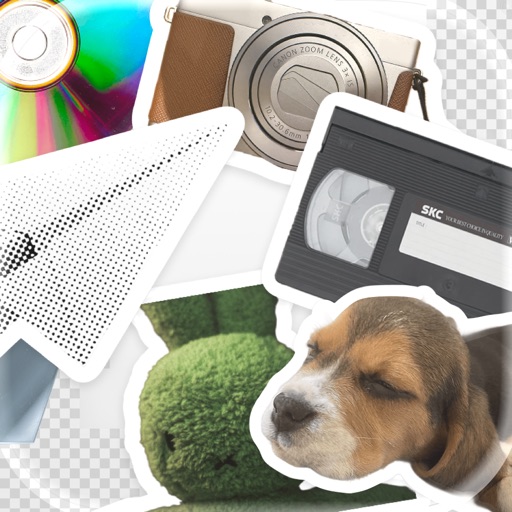
Turn photos of pets or objects into customizable patterns for lock screens. Create animated patterns and save as live photos, videos, or GIFs. Use AI to cut out subjects or trace manually. Choose from suggested colors and palettes.
Create collages by combining up to 20 photos with backgrounds, stickers, and drawing tools. Apply filters, borders, and fonts to enhance images. Share collages on Facebook, Instagram, and other platforms.
Create collages and grids from photos and videos. Choose from 100+ templates or design custom layouts. Add frames, adjust elements, and save or share finished projects. Export for print or social media platforms like Instagram and TikTok.
Create and customize personalized emojis with pinch gestures for resizing, flipping, and positioning. Save creations to the gallery and send as emojis or stickers in supported apps. Edit and design unique emoticons for text messaging.
Create realistic artwork with pencil, brush, pen, and marker tools. Import images as layers and edit with eraser, ruler, compass, and other tools. Add stickers and use layer management for detailed painting and design.
Print photos on 2x3”, 2.3x3.4”, 3.5x4.25”, or 4x6” paper using printers. Select photos from smartphone or social media. Edit images with HP’s photo-editing tools. Add stickers to prints. Send edited photos to the for printing.
Create photos and videos without cropping for social media. Adjust background with blur, patterns, gradients, and colors. Apply filters, effects, and add image stickers. Support various social media aspect ratios.
Create and manage appointments by dragging deco stamps onto a calendar. View schedules at a glance with visual icons. Sort and prioritize events to highlight important tasks.
Create custom stickers from photos or images. Crop selected areas, apply templates, and send directly to WhatsApp, iMessage, Telegram, or Signal. Share personalized memes and messages with friends.
Edit photos with filters, cropping, and adjustment tools. Add text, captions, quotes, and watermarks. Apply masks and memes. Export in various formats and share directly.
Edit photos with crop, rotate, exposure, color, sharpness, and resize tools. Create grid collages and edit individual images. Access presets, clone tool, and fine curve adjustments for detailed edits. Export and share edited photos directly.
Capture photos with real-time grid lines and flash settings. Use one-touch beautification for selfies. Access weekly updated filters and collages. Add stickers and create collages. Share edited photos directly.
The app allows users to post full-size photos and videos to Instagram without cropping. Users can move, rotate, scale, and flip media, and apply filters, stickers, and text.
Edit photos with background erasing and replacement. Remove backgrounds automatically or manually using AI. Replace backgrounds with custom images, colors, gradients, or textures. Adjust and enhance images with precise editing tools.