Create illustrations, logos, and UI designs with precise drawing tools. Import and edit graphics. Organize projects in workspaces. Export in multiple formats. Collaborate in real-time with others. Adjust colors, shapes, and layers.
Create and edit digital art with customizable brushes and color palettes. , , and apply filters. Import and modify photos. Save and share artwork. Sync with Apple Health for progress tracking.
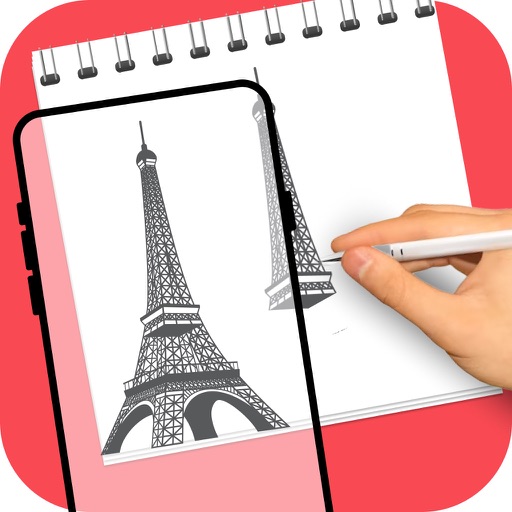
Use phone camera to project anime-style templates onto paper or surfaces. Trace outlines to create art. Adjust lines and colors. Export drawings in various formats. Sync with digital tools for further editing.
The app offers a versatile inking tool for drawing, with over 100 color schemes that preserve the drawing's value scale. It facilitates rapid sketching across multiple pages with minimalist design and fluid navigation.
Create pixel art with a one-handed interface, layer system, and 1024x1024 canvas. Select ranges, use a visible grid, and edit with native performance. Save and share artwork directly.
Create vector line art with precise stroke tracking. Export as SVG for use with pen plotters. Support Apple Pencil and touch input. Preserve individual stroke paths without filling. Ideal for technical illustration and machine reproduction.