Your TV with a touchscreen interface. Connect your iPhone to the same Wi-Fi network as your TV for full functionality. Navigate through TV settings and channels using on-screen buttons.
Control devices remotely with 2 or 4 channels and up to 15 amps. Monitor temperature with a sensor and view settings on a bright OLED display. Set automations based on time or temperature thresholds.
Control TV remotely via Wi-Fi by connecting iOS device and TV. Mirror screen to display videos, photos, music, web pages, PDFs, and drawings. Cast content without extra hardware or delay. Adjust volume and navigate menus directly from device.
Control TV power, channel switching, volume, and media playback via Wi-Fi. Use touchpad for navigation. Access voice commands and shortcuts. Customize button layouts for different TV brands.
Transforms smartphones or tablets into remote controls, keyboards, and mice for Portal. It automatically detects NAS devices on the same network, supports remote and touchpad modes, and includes voice input.
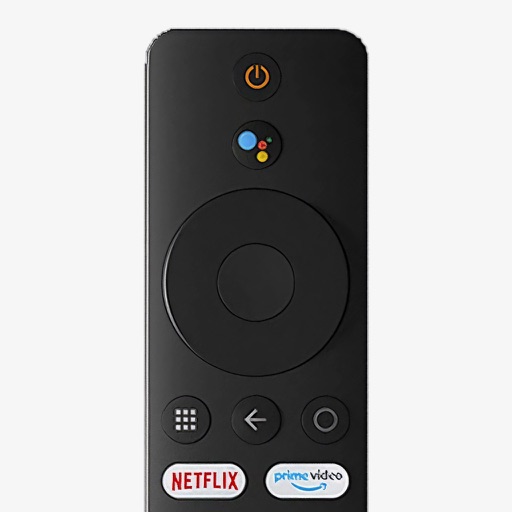
Control your Mi Box with full remote functions including volume, power, and navigation. Manage apps by opening, closing, and switching them from your phone. Use voice search to find content and control playback.
Control LG webOS TV with a mobile , replace lost functionality. Launch TV apps directly from the . View and manage installed TV apps. Navigate channels and settings without a physical .
Your smart TV remotely using this . Adjust volume, change channels, navigate menus, and power off your TV via Wi-Fi. Automatically detects compatible smart TVs and supports major operating systems.
Control home electronics with an iPhone using an audio-to-IR accessory. Manage devices like TVs, stereos, and projectors. Switch inputs, adjust volume, and navigate menus. Pair devices via Bluetooth. View device list and customize button layouts.