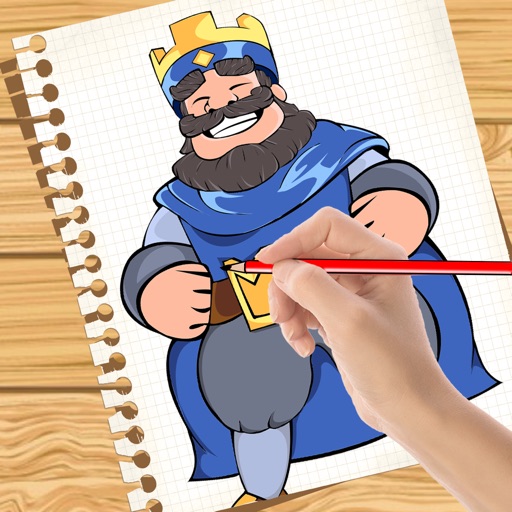
The app provides drawing tutorials broken into 11 steps with additional tips for illustrating portraits. Users can learn techniques at their own pace, whether using physical tools or a drawing app.
And on your Apple Watch with customizable brush sizes and blur radius settings. Access a large color palette and save or undo changes. Delete drawings as needed.
Create digital art using AI-powered drawing tools. Explore pre-designed worlds for inspiration. Adjust settings to customize your creative environment. Save and share artwork directly.
Handwriting or select fonts to create hand-drawn sketches. Use digital tools to refine strokes and adjust details. Export sketches as images or share directly. Sync with physical paper for stencilling and drawing.
Download for to enhance illustrations. Access free and weekly new content. Use textures, fonts, stickers, and 3D models created by professional artists. Export and share artwork directly.
The app offers creative drawing tools with various colors, stickers, and backgrounds. Users can create stories by recording their voice and animating stickers, then save and share their creations.