Edit photos with background blur, skin smoothing, and artistic filters. Remove distractions and enhance details. Add text and stickers. Share directly to social media or save in high-quality formats.
Identifies and removes duplicate photos, low-quality images, and blurred screenshots. Automatically frees up storage space by deleting unwanted files. Uses machine learning, face detection, and neural networks for accurate analysis.
Allows users to or unblur specific areas of a . Apply Gaussian, Zoom, or Motion effects. Use Mosaic effects like Pixel, Crystalize, Dots, or Glass. Zoom and rotate for detailed editing.
Share photos directly with friends without edits or filters. Photos appear instantly on friends’ lock screens and widgets. No likes or comments. Focus on real moments with people you know.
Share photos and videos with approved members. Create and organize memories in galleries, timelines, or calendar views. Access content across multiple devices. Protect privacy with no ads or distractions.
Take photos with a circular frame. Apply artistic effects like vignette, xpro, old-style, and vintage. Adjust exposure, brightness, contrast, saturation, temperature, highlights, shadows, vignette, and sharpness.
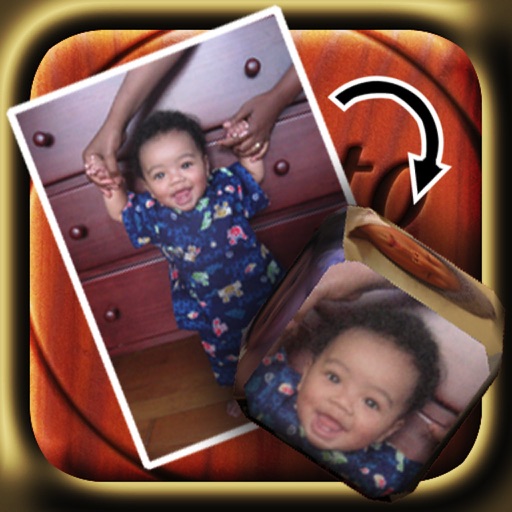
The app allows users to create custom 6-sided dice using photographs from their library or camera. Users can email their custom dice to friends or save and share them through iTunes File Sharing.
Allows users to send photos from their library to DMs with a few taps. It integrates seamlessly with accounts. Photos are delivered instantly without delays.
Arthur Eduardo Skaetta Alvarez Desenvolvimento de Software LTDA.
Split photos into and share to Instagram
Create grid photos by selecting an image and choosing from 5 layout options. Split the into fragments and share them in the specified order to Instagram. Save fragments to the camera roll or share with other apps.
Edit photos by adding customizable beards and mustaches. Choose from various styles and positions. Resize or rotate elements using multitouch. Save edited images and share them with others.
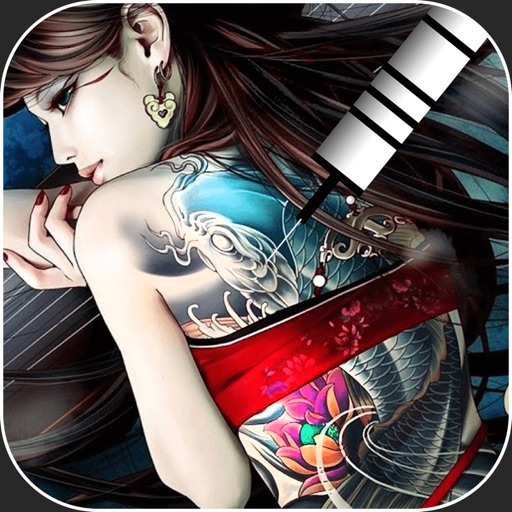
Create virtual tattoos on photos by selecting from 100+ black and white or 60+ color totems. Add text or captions and adjust position, rotation, size, font, or color. Save edited images to the photo library or share via social media.