The app provides a creative canvas for layered designs, custom stickers, and social content. It features AI background removal, layer stacking, and blending for artistic effects.
Create collages by adding photos, text, and stickers to pre-designed templates. Customize layouts, adjust colors, and apply filters. Share finished collages via social media or messaging apps.
Edit photos using filters, adjustments, effects, blur, focus, and rotation. Add text, stickers, and emoticons. Crop, resize, and apply tone curves. Draw and add splashes for creative touches. Save and share edited photos to social media.
Create collages, stories, and posts from photos with 1000+ layouts and themed templates. Remix up to 20 images with editing tools. Apply filters, remove backgrounds, and add cutouts. Share directly to social media or save as files.
Edit photos by selecting, cutting, copying, and pasting elements like faces or objects. Automatically remove backgrounds and add text overlays. Apply effects, save edits, and share photos directly.
Create photo collages and video slideshows with customizable layouts, colors, and patterns. Add text, filters, and music. Edit photos with object removal, skin softening, and blur effects. Include stickers, outlines, and background adjustments.
The app offers professional editing tools, beauty enhancements, and special effects. Users can apply stickers, create classic collages, and design fashionable posters with InstaMag.
Create personal stickers by capturing photos or selecting images from your library. Draw outlines to cut out desired areas and adjust sizes. Save and share stickers directly with friends.
Custom stickers from photos and videos. Add text, emojis, and effects. Share stickers directly to messaging apps and social media. Edit size and position. Save and organize created stickers.
Create and customize , memes, and emojis. Choose from thousands of templates. Add text, images, and animations. Share directly to WhatsApp and iMessage. Edit and save custom packs.
The app offers tools for photo editing, including frames, layouts, and effects. Users can adjust color balance, brightness, contrast, and saturation, and apply sharpening or blurring.
Create by typing text, selecting colors, and saving. Customize colors and design. Use for fun and engaging conversations. Share directly with messaging apps.
Create collages by combining photos, adding stickers, and applying effects. Choose from multiple layouts and templates. Edit images with cropping and filters. Share finished collages directly to social media.
Create stickers from photos with automatic background removal using face detection. Crop and erase areas easily. Add text, emojis, and decorate with borders. Export stickers for use in messaging and social media apps.
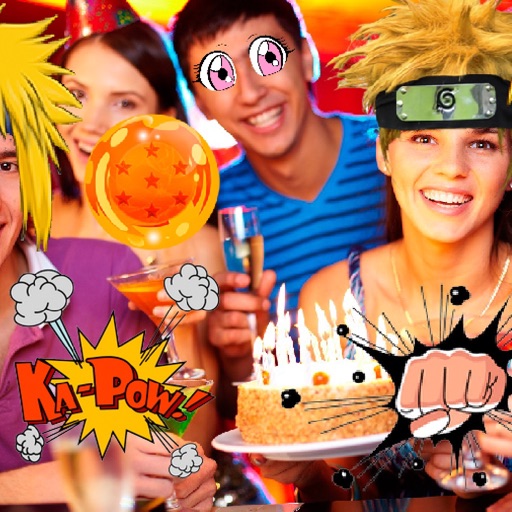
Take photos or select images from the gallery. Choose or stickers and place them by tapping and dragging. Adjust size, rotate, or move stickers as needed. Share edited photos directly.