Apps Like PDF Editor: Scan & Convert for iPhone and iPad
Edit PDFs, files, merge documents
Create PDF by editing text and images. files to PDF excluding videos and audio. Merge multiple PDFs. PDF to image and image to PDF. Save time with efficient file management.
by THREE PANDA DIGITAL LIMITED★ 4.21,155 ratingsProductivityFreeData updated 2026-10-20
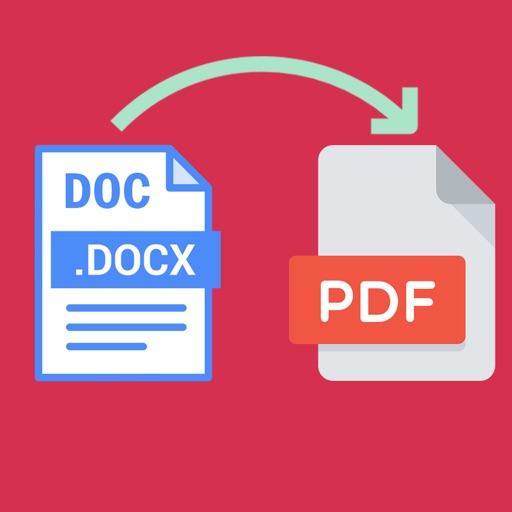
Word documents to PDF with full font support including Unicode, Indian, Arabic, Brazilian, and special fonts. Edit and view PDFs without font errors. Save and share converted files directly.
Convert images to PDF by importing photos from gallery, iCloud, or File . Select and edit settings for conversion. Export PDF files to share or print directly. Supports jpg, png, bmp, gif, tiff, heic, and webp formats.
Convert photos of receipts, documents, notes, and business cards into editable PDFs with searchable text using OCR technology. Edit and annotate PDFs. Share or save files directly from the .
Convert images and text into PDFs. Add or remove passwords. Merge PDF files. Unzip compressed documents. Fill out and sign forms. Share and manage PDFs securely.
Convert documents to PDF, TXT, or JPG formats. Scan IDs, passports, bills, and letters with quick scanning. Save and access documents anytime. Share scanned files directly.
Digitize documents, photos, receipts, and business cards into high-quality PDFs. Convert images to PDF, create digital signatures, and edit PDF files. Sync documents across devices and manage files with organization and security features.
Scan documents, photos, and PDFs using iPhone or iPad. Convert scanned files into PDFs or images. Use smart OCR to enhance and crop documents. Share or save scanned files directly.
Import Chinese ePub, add romanization and translation,
Convert ePub files in Simplified or Traditional Chinese to include romanization lines (pinyin, Sidney Lau, Yale) and native language lines (English, Spanish). Export as PDF.
The app automates PDF preflighting and conversion with batch processing. It can export PDFs as images, convert colors, optimize images, and split multi-page documents.
Convert files and photos to and from PDF format. Batch process multiple files at once. Adjust settings for quality and layout. Export converted documents directly to cloud storage or device.
Convert paper documents and images to PDF or JPG formats. Use OCR to recognize text automatically. Save files in multiple formats including PDF and JPEG. books, receipts, notes, and business cards in high quality.
Allows users to scan and generate QR codes. It supports URLs, contact info, and calendar data. Users can create AI-generated QR codes with customizable designs. The also includes PDF scanning and conversion features.
Scan documents using your phone's camera to capture and intelligently scan photos or documents. Automatically detect and adjust text areas for accurate scanning. Organize scanned items into folders or albums for easy access and management.