Explore styles including tribal, skulls, fonts, flowers, henna, minimalist, and wolves. Select designs from list view or search. Create custom tattoos by adding elements and adjusting placement. Save and share finished designs.
Adjust and resize to fit iOS 7 wallpapers and screens. Zoom, scale, and images for custom backgrounds. Preview modified wallpapers directly within the .
Organize and manage multiple portfolios with batch imports and cloud syncing. Use images, PDFs, and videos. Pinch to zoom and present on external displays. Lock content to prevent edits.
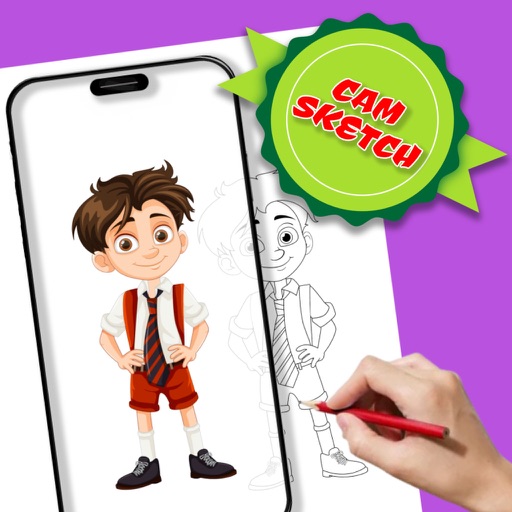
Learn sketching by tracing lines from images using augmented reality. Adjust brightness, bitmap, and rotation settings. Lock screen and start tracing. Share completed sketches. Sync with device camera for real-time drawing.
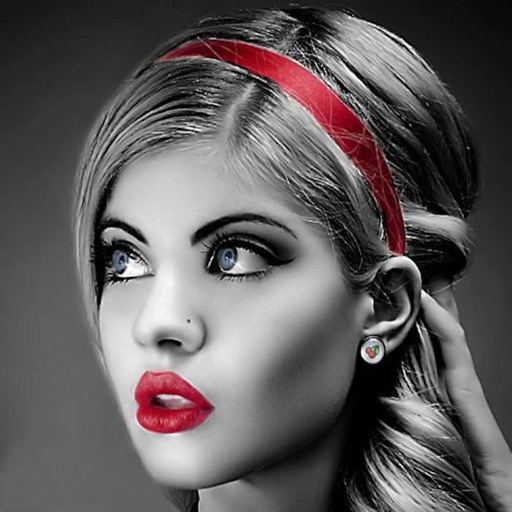
Edit photos with selective effects using gesture controls. Zoom and pan to adjust splash areas. Convert parts of the image to grayscale while keeping selected regions in full . Export edited photos directly.
Capture detailed images with macro up to 189x. Take clear photos in low light using night mode. Adjust focus and exposure manually. Save and share photos directly from the .
Adjust exposure, focus, and white balance manually. Capture images in RAW DNG format. Save photos to roll. Access advanced controls for precise adjustments. Replace automatic settings with custom configurations.
Browse and download Arabic and featuring intricate geometric patterns, calligraphy, and cultural motifs. Choose from 4K and HD options. Customize device backgrounds with high-quality designs. Share favorite with others.
Use camera as tracing projector to on paper. Trace lines directly with pencil. Access and painting features. Learn to people, anime, and objects. View step-by-step guidance for artistic techniques.
Create blur effects by tracing fingers over photos, with automatic border correction for natural results. Zoom in or out using pinch gestures for precise adjustments. Check results by tracing over the screen.