Transform photos into artistic styles using machine learning. Apply predefined artistic filters. Edit images directly on the device without uploading. Save and share modified photos. Protect privacy by keeping data on the device.
by SHFFLER, LLC★ 5.05 ratingsGraphics & DesignFreeData updated 2026-09-06
Edit photos with presets and organize them by categories and folders. Adjust colors using PRO color grading tools. Add textures, effects, and blur options. Design social media posts with templates. Export edited images in various formats.
Transform static images into animated videos with AI. Generate short videos using advanced AI tools. Create music and add intelligent subtitles automatically. Convert images into dynamic visuals for digital content creation.
Create intricate patterns from outlines or photos using AI. Select from 14 design styles including Filigree and Celtic knots. Export patterns for laser engraving, tattoo designs, and artistic projects.
Generate images and videos from text input using AI. Create artwork based on descriptions. Edit generated content with basic tools. Export images in various formats. Share creations directly.
Use AI-powered makeup and filters tailored to face shape and skin tone. Apply stylish stickers and templates to customize photos. Edit images with retouch tools and share directly.
Edit photos by applying AI-generated 90s-style filters. Add timestamps, film grain, and old-school camera effects. Choose from multiple styles to customize edits. Save and share transformed images directly.
Search albums and artists to find high-resolution artwork. Transform cover art into iPhone-optimized wallpapers with built-in image processing. Adjust proportions, extend, or mirror edges for custom layouts.
Apply filters to photos and videos to create glitchy, pixellated, or mood-driven effects. Customize filter sequences with intensity, sharpness, radii, and color adjustments. Use preloaded randomized filter chains or manually select from 100+ options.
Apply light-based effects to images using particle overlays. Adjust edge detection and contour settings for different artistic styles. Export edited images in various formats and share directly.
Edit photos by adding layers, backgrounds, patterns, colors, shapes, stickers, and text. Cut out people and modify backgrounds with one touch. Erase layer contents using an eraser brush. Create collages and artistic compositions.
Edit photos by describing desired changes, additions, or removals. Remove objects or people seamlessly. Enhance lighting and mood with cinematic, dramatic, soft, or warm settings. Adjust colors and apply filters. Save or share the final edited image.
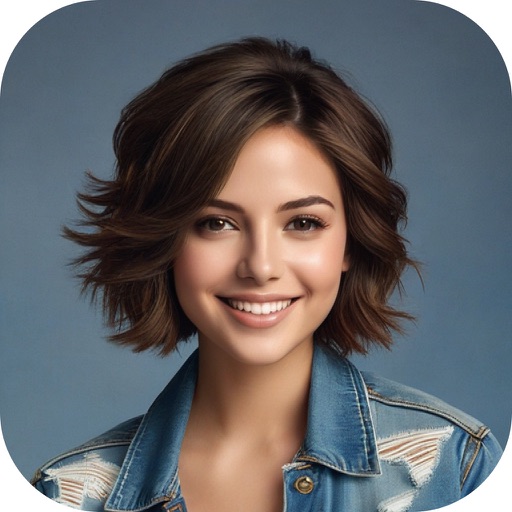
Swap faces using AI technology to create realistic face swaps. Choose from various categories like professional, autumn, black and white, animals, or fashion. Edit and save the modified photos directly.
Convert photos to PDF documents by importing from camera, library, or files. Rearrange and rotate images before conversion. Customize PDF quality and paper size options. Export and share the resulting PDF files.