TV with full functions including power, volume, channel, and navigation. Access settings and menus quickly. Launch apps like Netflix, YouTube, and Prime Video directly. Use directional arrows and numeric keypad for precise .
Educators can register and create videos using a whiteboard tool. Answer textbook questions and student inquiries. Earn payment for content creation and teaching support.
Capture and annotate live video with masks, spotlights, and picture-in-picture. Take snapshots and record sessions. Adjust image properties including scaling, rotation, resolution, and exposure.
Mirror device screen to any web on the same Wi-Fi network. Open links on laptops, desktops, or TVs to view mirrored content instantly. Support for car infotainment systems with web browsers for navigation and passenger viewing.
Transfer between devices wirelessly without cables. photos, videos, contacts, calendars, and other files. Initiate transfers with minimal steps. Ensure secure and hassle-free migration.
Automate repetitive clicks and multi-clicks on websites, social media, dating sites, or games. Create and save custom sequences with adjustable frequency and duration. No registration required.
Create LED banners and marquees by entering text or emojis. Choose from dynamic, static, or flashlight modes. Customize text and background colors. Adjust text movement direction and brightness. Support AirPlay for screen mirroring.
Generate images and videos in various artistic styles, including emotions and art movements. Visualize personal goals through interactive Wish Map features. Create custom comic books with sequential panels.
Measure ambient noise levels and compare recordings to reference charts. Save audio files and view a history of past recordings. Requires subscription for saving and active screen display.
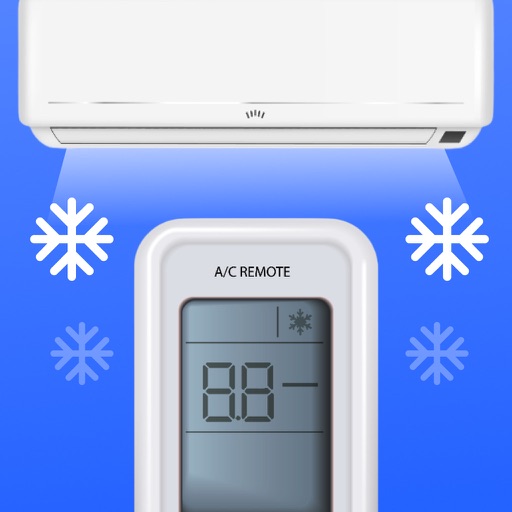
Control air conditioner settings from a smartphone. Adjust temperature, switch modes, and manage fan speed. Set timers and sleep modes. Connect to major AC brands via IR or Wi-Fi. Manage multiple devices and view energy usage.
Convert MP4 videos to MP3 audio files. Edit and enhance audio with noise reduction, trim, and volume adjustment. Save and share converted files directly.
View allows two browser tabs to be displayed side by side. Adjustable sizes let users customize layouts for focused work. Quick tab switching improves navigation efficiency. Ideal for comparing websites, researching, shopping, or multitasking.