Control TV and devices remotely via Wi-Fi. Navigate menus, adjust volume, and access key functions. View a simple interface for quick operations. Compatible with all TVs and devices.
Control TV remotely using a smartphone. Navigate with D-pad or swipe gestures. Type on the TV using your phone's keyboard. Access apps and websites with single taps. Customize order and connect to multiple TVs. Add custom apps and websites.
Control your TV remotely from anywhere in the home. Adjust volume, switch channels, and navigate menus with on-screen buttons. Access smart TV apps and customize shortcut keys. Power on/off and change input sources instantly.
Your TV, LG TV, Hisense TV, Fire TV, or Roku TV remotely using an iPhone or iPad. Adjust volume, change channels, and navigate menus. Access shortcuts for frequently used functions.
Sony TV settings remotely. Adjust power saving mode options and modify picture settings including brightness, sharpness, contrast, and color. Manage TV functions through a WiFi connection.
Control television with a touch pad and keyboard for smooth navigation. Access saved configurations for quick setup. Use voice commands to search for content. View a clean, user-friendly interface. Sync with supported devices for operation.
Control audio settings via Bluetooth connection to compatible receivers. Adjust volume, power on/off, switch input modes. Access radio bands, seek, presets, and auto store features. Manage Bluetooth connections and input sources remotely.
Control Roku TV with an iPhone as a . Connect via Wi-Fi to switch channels, adjust volume, launch apps, and use a touchpad and keyboard for typing. Access voice search for content lookup. One-tap setup on the same network.
Roku TV with a universal . Adjust volume, change channels, and navigate menus. Access voice search, screen mirroring, and system settings. Manage playback and customize shortcut buttons. Sync with multiple devices and view channel listings.
Control a compatible receiver with Bluetooth connectivity. Adjust volume, switch input sources, toggle power, and manage playback functions. Access radio presets and change bands. Mute and pause media. Seek forward or backward.
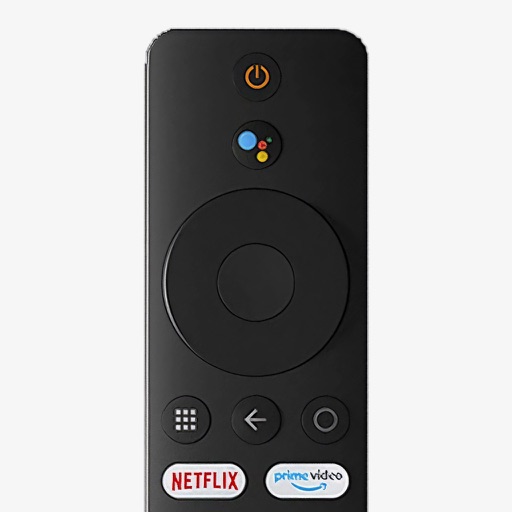
Control your Mi Box with full remote functions including volume, power, and navigation. Manage apps by opening, closing, and switching them from your phone. Use voice search to find content and control playback.
TV functions via smartphone. Adjust volume, change channels, and navigate menus. Manage streaming apps and playback. Pair with multiple devices. Access voice commands and screen mirroring.