A Scheme interpreter allows users to write and execute code. The console supports read-eval-print loops for interactive coding. The text editor includes syntax highlighting, smart indentation, and parenthesis matching.
Calculate logarithms with customizable bases including e, 2, 10, or any specified value. Input a number and base to get the result. Display the calculation steps and save results for reference.
Allows control of QLab workspaces via WiFi, enabling start, stop, and cue selection. It includes a MIDI Tester for sending and receiving MIDI messages. Users can monitor levels, adjust EQ settings, and manage cue lists in real time.
Calculate dates by adding or subtracting years, months, or days. Determine weekdays and weekends between two dates. Track working hours with an hour and minutes calculator.
Learn PLC basics through interactive lessons and a simulator. Explore block diagrams and experiment with programming. Use 3 timers, 2 counters, 6 compare instructions, 2 binary outputs, and 3 RES outputs.
Perform complex calculations with support for real and complex numbers. Manipulate symbolic expressions and use over 225 built-in functions. Scroll through results with finger gestures. Copy and paste data for easy sharing.
Calculate with personalized themes and scientific tools
Perform calculations with a scientific for advanced math. Customize themes and colors. Use split-screen mode for multitasking. Record calculation steps automatically. View historical records for data retrieval.
Calculate and mortgage payments using annuity or differentiated repayment methods. Analyze and compare options with customizable parameters. Perform overpayment calculations and view detailed repayment schedules.
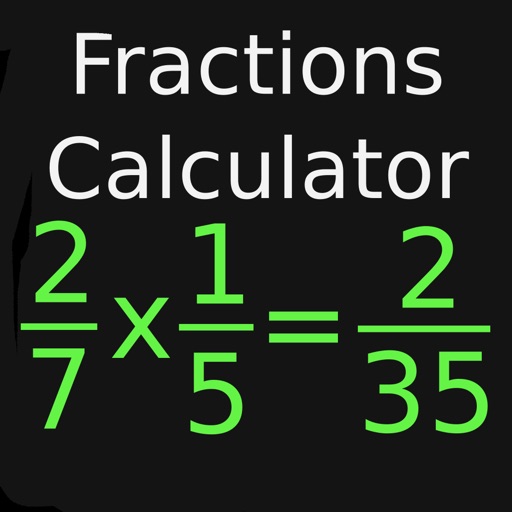
Perform basic arithmetic operations, including addition, subtraction, multiplication, and division. Calculate percentages and fractions. Use scientific functions like square roots and exponents. Save frequently used equations for quick access.