Customize backgrounds and font colors. Preview messages before sending. Launch the Messages directly. Send , styled messages. Replace default with vibrant designs. Share messages with friends through the built-in messaging system.
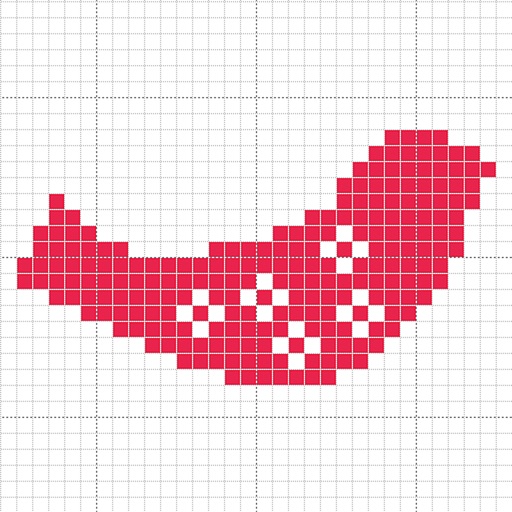
Create custom charts for crafts like cross stitch, bead weaving, knitting, and pixel art. Draw dotted images and design patterns with an intuitive touch interface. Export charts for use in projects.
Choose from over 115 fonts and customize text with emoji, upside down, or bubble styles. Access bonus keyboards including Typewriter and Gold Digger. Share text with styled fonts and unique formatting options.
Annotate images with tools like arrow, rectangle, circle, text, and magnifier. Import photos from library, camera, or map. Export with custom sizes and share. Customize colors, undo changes, and manage layers. Crop images and save history sessions.
Customize with by adding 3D backgrounds, colors, fonts, and sounds. Preview changes in-game. Install pre-designed or create custom ones. Apply with two clicks.
Add tattoos to photos using pre-designed elements like lines, lettering, hieroglyphs, animals, and flowers. Customize tattoos with editing tools to adjust size, position, and style. Create tattoos from personal images and export edited photos.
Turn photos into drawings, cartoons, or sketches with one click. Apply various effects including black strokes, white strokes, pastel, and halftone. Adjust edge strength, opacity, contrast, brightness, and saturation.
Create from personal photos by selecting and cutting images. Export to iMessage, WhatsApp, and Telegram. Customize sticker size and format for different platforms.
Retro Simulator lets users play classic games from formats like GBA, GB, GBC, SFC, MD, NES. It supports multiple save slots for progress storage. Fast-forward feature skips lengthy dialogues or tedious sections.