

Apps Like Oboe Sim for iPhone and iPad
Ranked alternatives
Showing 301–320 of 1,000 ranked alternatives.

AddStation
Harry Gohs
Create sound with additive synthesis
Create and manipulate sounds using additive synthesis. Adjust sine wave parameters to shape timbres. Layer multiple partials to build complex tones. Save and export custom sound designs. Import and export audio files for further processing.

K7D - Tape Delay
Imaginando Lda
Record and playback audio with effects
Apply vintage effects to audio tracks. Adjust parameters like time, feedback, and modulation. Choose between analog-style filters and modulation types. Save and load presets. Export processed audio files.


Mela – AUv3: Synth, FX, MIDI
Nikolozi Meladze
Build custom synths and audio effects
Create custom polyphonic synthesizers and audio effects using modular components. Arrange modules on lanes to process audio signals. Build complex processors. Run as a standalone or AUv3 plug-in in DAWs like Logic Pro and Cubasis.


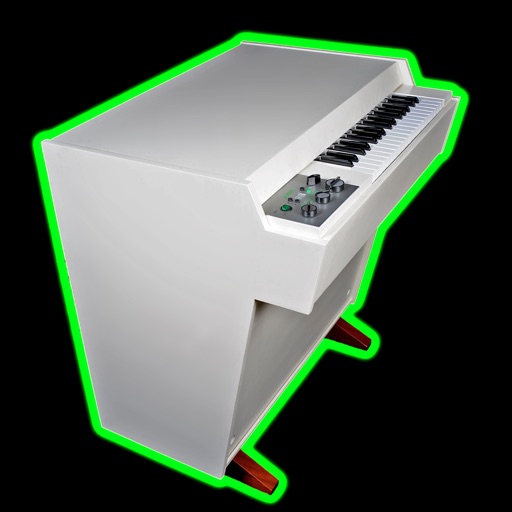
Mellotronics Streetlytron Pro
Phil Atkin
Stream tapes and play melodies
Create and manipulate music using virtual tape loops. Load and play 90 preloaded tapes, including 65 from Streetly's Production Masters. Adjust pitch, tempo, and effects. Export audio files and share directly.

orphinio
Sebastian Trump
Play expressive sounds with finger movements
Create soundscapes and melodies by moving fingers on virtual pads. Play polyphonic music with expressive control. Generate unique sounds between glockenspiel and jaw harp. Perform drumming and shaking actions.

Tiny Orchestra
BAMBU KIDS, OOO
Create orchestras, study instruments, listen to melodies
Create and customize an with instruments from around the world. Play melodies and explore instrument sounds. Study instrument details through an interactive catalog. Take quizzes with three difficulty levels to test knowledge.

Animal Orchestra 2
PICxPIC, Inc.
Tap animals to match the rhythm
Children interact with animals and forest plants by touching them in time with music. Each item produces unique sounds and movements. Features include 23 instrument sounds, interactive elements, and sensory development through play.




The Machine Awakes
R Steven Bryant
Electronic soundtrack for live performance
The app provides the electronic soundtrack for live performance of Steven Bryant's composition The Machine Awakes. It is available for symphonic band, symphony orchestra, and adaptable instrumentation.
How we rank alternatives
Apps are ranked by functional similarity, category fit, rating confidence, and popularity.