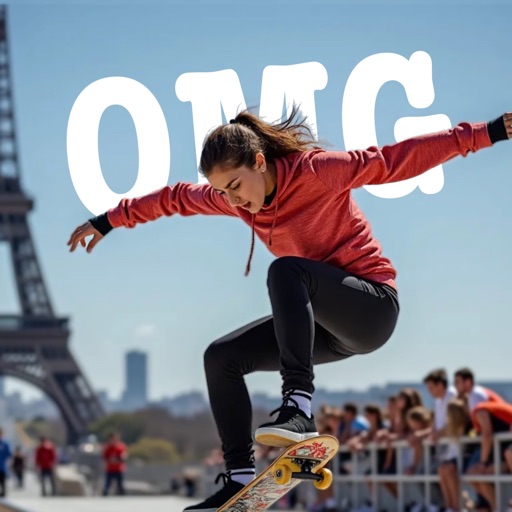
AI-powered placement allows users to embed objects in photos. Customize fonts, sizes, and colors. Adjust position and depth for professional-looking depth effects. Export edited images directly.
by Outpost31, LLC★ 4.727 ratingsUtilitiesFreeData updated 2026-09-06
Add and stickers to photos with customizable fonts and styles. Adjust position and rotation. Replace backgrounds with images, colors, or textures. Create memes, quotes, posters, and watermarked images.
Create AI images and videos using text prompts. Design virtual influencers with custom avatars. Generate product visuals for marketing and content creation. Edit and export AI-generated media for social media and e-commerce.
Create images from text descriptions with AI-generated portraits, characters, and scenes. Edit photos by describing desired changes like removing objects or swapping backgrounds. Transform images into various visual styles using AI prompts.
Create run visuals with custom stats, fonts, colors, and stickers. Import data from Strava, Apple Health, Garmin Connect, or Coros. Add professional layouts and Runner artist stickers. Export and share edited content.
Add to and videos with customizable fonts, sizes, and colors. Adjust shadow and background. Apply curved, bent, or gradient effects. Choose from 20,000+ background images. Trim videos and add to video clips.
Generate images from text inputs using AI technology. Create anime and live-action style images. Use for designing icons, creative projects, and design materials. Export and share generated images directly.
Edit photos with brightness, saturation, and contrast adjustments. Add text, stickers, and memes. Crop, rotate, and straighten images. Apply effects and frames. Sharpen or blur photos. Import images from the camera roll. Fix red tones.
Create custom watermarks by adding logos, copyright symbols, or personalized designs. Choose from various fonts, clip art, and colors for customization. Apply transparent backgrounds for seamless integration into photos and videos.
Edit vehicle photos with AI-powered background removal and color correction. Adjust lighting, crop, and resize images. Export in high resolution and share directly to marketplaces and social media.
The app allows selective editing of photos with filters, effects, and adjustments. Users can apply multiple effects to specific areas or the entire image, offering extensive creative possibilities.
Edit photos with grid layouts, brightness, contrast, and saturation adjustments. Apply filters to enhance images. Create collages with multiple layout options. Export edited photos in various formats.
Remove backgrounds or objects using AI by adding a and tapping "remove." Adjust the new background to a custom color, white, another image, a gradient, or a preset. Add text, shapes, and photos to the edited image.
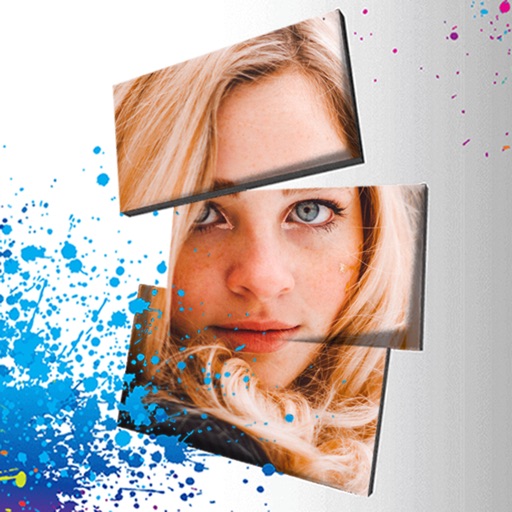
Edit photos with 3D and color effects to create立体 art. Apply special effects to enhance images. Save and share edited photos directly. Use fun and intuitive editing tools for creative customization.
Create logos and brand identities with customizable templates. Select from design elements like fonts, colors, and shapes. Add text and graphics to personalize logos. Export designs in various formats and share directly.
Edit photos using instant beautiful templates and picture . Add quick text to stylize images. Choose from over 200 templates for various occasions. Export edited images for Instagram.