Explore artworks in an immersive spatial interface. Place life-sized pieces in your space and view them from all angles. Examine details with high clarity. Preview galleries and exhibitions to plan visits.
by Tassilo von Gerlach★ 0.00 ratingsEntertainmentFreeData updated 2026-09-06
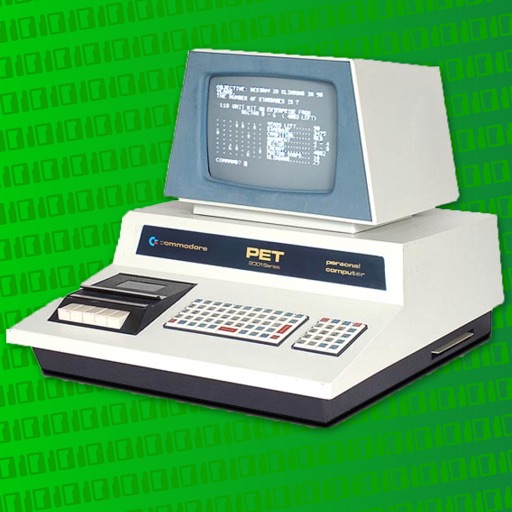
The app provides information for an interactive computer museum in Brantford, Ontario. It includes details on visiting hours, events, and the museum's online collection of personal computers.
Explore historical artifacts and artworks from the Estate. View high-resolution images of 18th-century French and Russian art. Navigate interactive garden maps.
Browse and purchase artworks from international artists and galleries. Place virtual art on walls or in rooms. Explore curated exhibitions and view detailed artist information. Collect and manage a digital art portfolio remotely.
Create and edit 4K using AI-powered tools. Generate new from prompts or enhance existing images. Access Live and Spatial for iOS 26 and later. Add motion and depth that respond to gestures and light.
Explore educational content about the ’s exhibits. Navigate through space, time, and nature. Access descriptions for visually impaired users. Learn about Earth’s history and future developments. View detailed visual descriptions of exhibits.
Explore concepts through interactive Augmented Reality experiences. Visualize principles like motion and forces in real time. Rotate and examine virtual objects from all angles. Enhance understanding through spatial, immersive learning.
Explore 3D visualizations of cosmic elements like auroras and whirlwinds. Manipulate objects with two fingers for interactive control. Create custom animations using particle effects and color palettes.
The app allows users to create collages using public domain images from LACMA's collection and the "In Wonderland" exhibition. Users can also incorporate photographs from their device's camera and camera roll into their creations.
Practice listening and following interactive exercises. Identify colors and spatial concepts through guided activities. Complete tasks by opening doors, coloring, and pushing buttons. Receive feedback and encouragement during each session.