Set custom 4K wallpapers and live backgrounds for iPhone or iPad. Choose from curated static and dynamic wallpapers. Apply to enhance visual . Set as lock screen or home screen. Sync with iOS 26 for exclusive features.
Customize Apple with interchangeable designs, themes, and layouts. Adjust colors, fonts, and complications. Preview in real-time and download directly to the device.
Use a full QWERTY on Apple , including older models. Type messages via Messages . Support extended Latin characters for multiple languages. Enable typing on wrist-sized devices.
Provides quick access to apps, , and shortcuts on the Home Screen, Lock Screen, and Notification Center. Users can customize layouts, set up shortcuts, and manage .
Customize home screen and mode with animated and photo albums. Add interactive charging prompts and personalize widget layouts. Sync with iOS17 and iOS16 for enhanced display options.
Create custom for iOS 14 home screen. Choose from multiple layout styles. Customize fonts, colors, and background images. Set up in three simple steps. Add directly to home screen.
Customize with adjustable size, , and shape. Upload personal photos from Camera Roll to personalize designs. Access unique, proprietary widget for iOS 14.
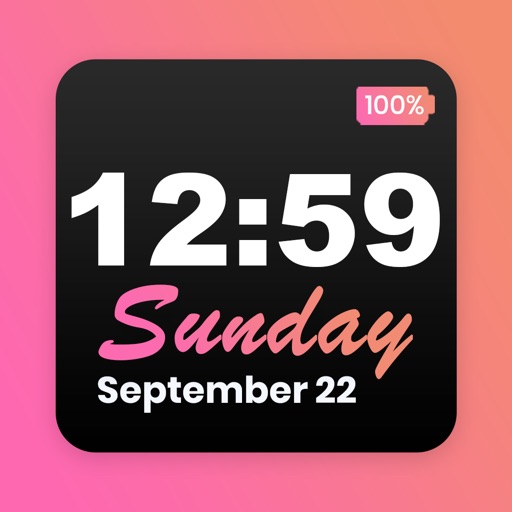
Customize home screen with featuring font, theme, and background options. Set clock with battery percentage, date, and time. Quickly install and configure for iOS 14+ devices.
Customize phone interface with , icons, and themes. Add photo-based and choose from various themes. Display time, date, battery level, and other info. Create and customize with multiple options. Sync with Health for additional features.
Allows users to generate and manage two-factor authentication codes. It supports TOTP and HOTP protocols. Users can access codes via Apple Watch, use Face ID or Touch ID for authentication, and view codes in a Today widget.
Create custom widgets by combining elements, selecting fonts, and adjusting colors. Set transparency for each component. Access weather forecasts and customize appearance settings. Save and share designs for iPhone Home Screen.