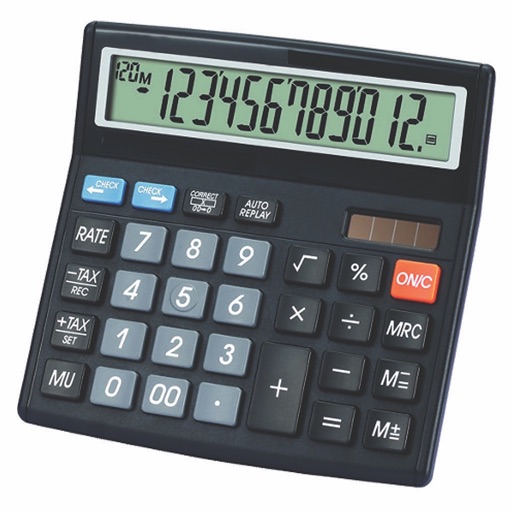
Calculate, add, subtract, multiply, divide, and percentage
Perform basic arithmetic operations including addition, subtraction, multiplication, and division. Calculate percentages and use memory functions like M+, M-, MR, MU, and GT. Includes square root functionality.
A calculator with a clear display and large buttons supports functions. Switch between portrait and landscape modes on iPad. Perform simple calculations without additional features.
Perform basic arithmetic operations including addition, subtraction, multiplication, and division. Access scientific functions for advanced calculations. Convert units between different measurement systems.
A calculator with large buttons and a clear display for efficient calculations. Supports basic arithmetic operations. Includes a Retina Display for improved visibility.
Calculate with dual-line display and multi-line input
A with dual-line display showing input and result. Supports multi-line equations and tap-to-move cursor. Saves calculation history with timestamps and labels. Allows emailing calculations and swiping to review previous entries.
Perform calculations with a running total and real-world logic. Handle cost, sell, and margin computations. Add or subtract percentages in one step. Features large buttons and a clear display for easy use.
Calculate taxes with real-time GST rate updates. Input values to compute and GST amounts. Use memory functions M+, M-, MR, MU for financial calculations. Switch between two button layouts for easier navigation.
Perform basic calculations in portrait mode and scientific calculations in landscape. Use root, power, factorial, exponential, division, logarithm, and trigonometric functions. Features a flat UI design similar to built-in iOS apps.
Calculator provides basic and scientific calculation functions. Users can access a history of past calculations for review or reuse. It includes a live currency converter for exchange rate checks.