Apps Like ImageFlux: RAW & MultiExposure for iPhone and iPad
Blend RAW photos and create double exposures
Blend RAW photos with live layer control. Adjust exposure per layer and modify layers by pinching, rotating, scaling, or moving. Merge, reorder, hide, or delete layers. Supports DNG, CR3, NEF, and AR formats.
by Ozgur Odabasi★ 4.924 ratingsPhoto & VideoFreeData updated 2026-09-06
Create surreal or funky art with one-tap effects like double exposure and fragmenting dispersion. Edit photos with intuitive tools, apply artistic filters, and adjust colors. Save and share edited images directly.
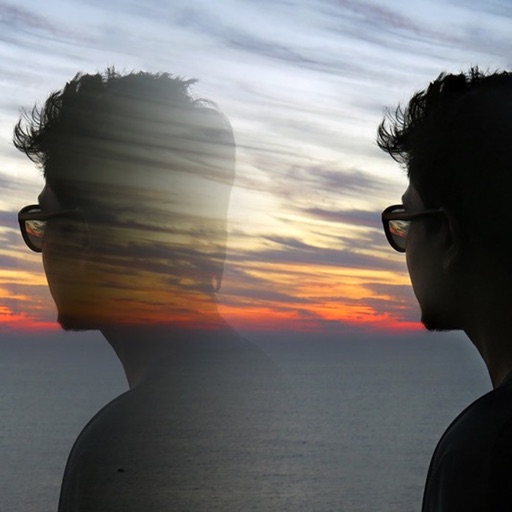
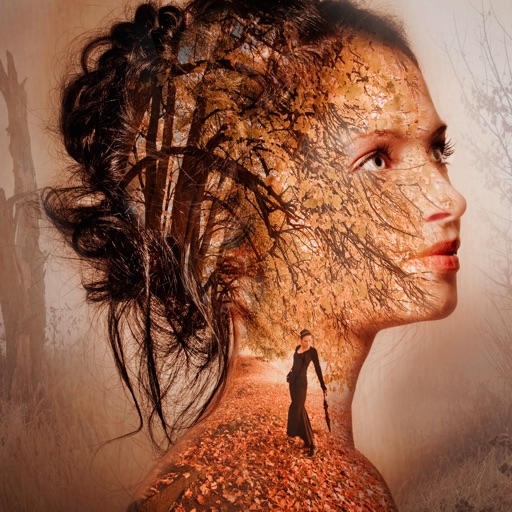
The app allows users to blend two photos for a double exposure effect. It offers five artistic photo collections and various real-time blend modes for improvisation.
Edit photos using one-tap presets for instant style. Adjust brightness, contrast, and saturation manually. Crop, rotate, and straighten images. Add text, stickers, and borders. Export edits in various formats and share directly.
Capture photos using Auto, Manual, RAW, Slow Shutter, and Macro modes. Apply built-in filters and adjust brightness, contrast, and saturation. Edit images with cropping, straightening, and exposure tools.
Create animated visual stories from still images using motion effects and overlays. Combine static photos with to produce dynamic animations. Share creations with a community of photographers and artists.
View and edit for photos and videos. Display location data, camera model, aperture, shutter speed, ISO, and other tags. Remove or modify fields. Manage file names and timestamps.
On with precise tools. Add text, shapes, and stickers. Insert layers and blend images. Create collages with frames and stamps. Design custom stickers and share directly via iMessage or the .
Edit photos with 12 blend modes including overlay, multiply, difference, and exclusion. Combine foreground images from a growing library of over 400 options. Export and share edited creations.
The app offers artistic generative presets, image layers, and adjustment layers for photo editing. Users can create art prints, improve photos, or develop digital art skills with its editing tools.
Adjust exposure settings with precision, including extended sensitivity and independent calibration. Measure incident and reflected light. Save exposure data. Connect with f/Tools. Choose between two interface designs.
Offers manual camera controls for iPhone and iPad. Users can adjust exposure, focus, and white balance. Capture photos in ProRAW and ProRes formats. Record videos with advanced settings. Access DSLR-like features for precise image adjustment.
Capture high-quality raw images with manual control over exposure settings. Adjust color, contrast, and clarity in post-processing. Export images in various formats and share directly.
Capture photos and videos with manual controls for ISO, shutter speed, and white balance. Shoot in RAW format for detailed editing. Apply advanced effects and instant color grading. Use professional filters to enhance visuals.
Edit photos with filters, cropping, and adjustments. Access portrait mode, double exposure, and manual settings. Scan high-resolution films. Share images via social media. Participate in photography challenges and view community submissions.
View photos from iCloud Photo Library and see EXIF data, location, and lens direction. Filter by favorites, location, or date. Edit metadata by removing geotags and personal data. Copy raw metadata to clipboard.