Apps Like PICKY - Tattooing Companion for iPhone and iPad
Design tattoos with precision and clarity
Manage tattoo ink inventory by logging brands and colors. Plan color palettes and select swatches for designs. Create and organize tattoo templates. Track design progress and export as vector files. Share designs with clients via direct links.
by Picky AS★ 5.02 ratingsGraphics & DesignFreeData updated 2026-09-06
AI allows users to generate images, solve math problems, design tattoos, and perform in-depth searches. It includes an AI assistant, voice , and expert persona tools. Users can compare multiple AI models within the .
Create notes, annotate PDFs, and sketch digitally. Convert whiteboard images to vector ink with Inkport gen 2. Resize, recolor, and edit drawings. Build layered sketches without using layer functions. Share notes across devices.
Write calculations directly on the screen for real-time results. Edit equations with gestures or add elements anywhere. Drag and drop previous results for reuse. Supports interactive ink for natural handwriting input.
Appointments and manage client details across devices. Create and customize templates for various service industries. Set reminders, track availability, and send confirmation emails. Integrate with personal websites for online booking.
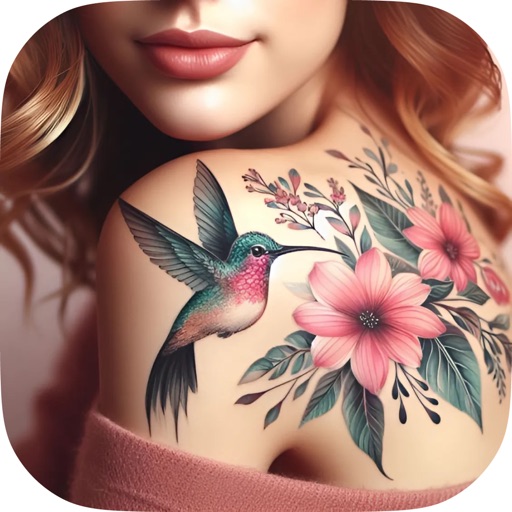
Generate designs using AI with options for geometric, watercolor, Japanese, black & gray, mandala, and old school styles. Customize colors, shapes, and layouts. Virtually try on designs on body parts with realistic rendering.
Generate designs based on user descriptions using AI. Choose from 40+ styles including fine line, Japanese Irezumi, and watercolor. Preview designs in realistic detail before committing to ink. Adjust colors, placement, and style details.
Use AI to generate text, images, and code. Chat with multiple models like ChatGPT, Gemini, and Claude. Create content, solve problems, and organize tasks. Set reminders and manage schedules. Export files in various formats.
Stylize photos using over 500 AI art styles from various movements. Edit and retouch images with professional tools. Work offline with on-device AI models. Keep data private with no cloud storage. Export edited images in multiple formats.
Create designs using AI-generated art. Choose from tribal, geometric, watercolor, and other styles. Customize colors, shapes, and text. Export designs in various formats and share directly.
Create and customize designs with line art, tribal patterns, and full sleeve styles. Adjust colors, add text, and refine details. Save and share designs directly. Import and modify existing artwork.