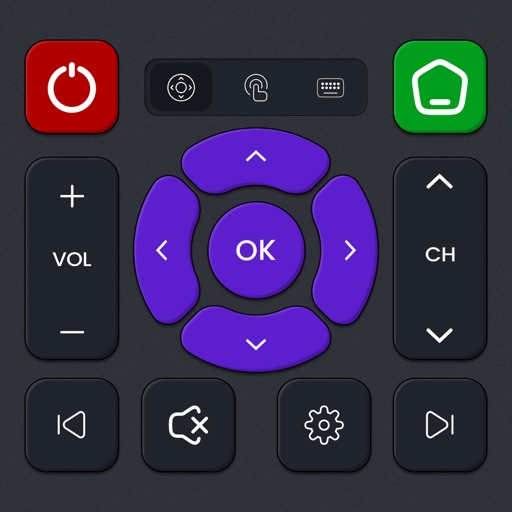
Apps Like Universal Remote for Smart TV. for iPhone and iPad
Control your TV with your phone
Control Samsung, LG, Sony, Roku, Philips, or TCL TVs from your iPhone without additional hardware. Navigate menus, adjust volume, and switch channels. Pair with multiple TVs and manage settings remotely.
by AppAgency★ 4.25 ratingsUtilitiesFreeData updated 2026-09-06
Control TV power, volume, and channels via smartphone. Navigate using a built-in touchpad. Connect to multiple devices and manage settings remotely. Support for various TV brands and models. Adjust input sources and mute functions.
Control Samsung TV with an intuitive remote interface. Auto-detects TV and connects via Wi-Fi. Navigate menus, adjust volume, and manage settings. Requires iPhone or iPad on the same network as the TV.
Connect to the same Wi-Fi network as a device to automatically detect and control it. Manually enter the IP address to set up the TV. Only works with -powered devices.
Transform your device into a for Roku TV and streaming devices. Navigate channels, playback, and manage apps with a touchpad. Access favorite channels quickly. Launch streaming apps and switch inputs. Support private listening via headphones.
Control TV functions across Sony, LG, Roku, Google TV, and Samsung devices. Navigate menus, play media, and mirror phone screen to TV. Access streaming content and adjust settings remotely.
Wirelessly connect phones or tablets to TVs for and streaming. content without cables or additional hardware. Supports Smart TVs from 2012 models. Mirror screens and stream media directly to the TV.
Control your smart TV remotely via smartphone or tablet. Adjust volume, change channels, and navigate menus using a virtual . Type with device keyboard for faster input. Use touchpad navigation for precise control.
The app allows users to watch web videos, online movies, and livestreams on their Samsung Smart TV or Blu-ray Player. Users can browse the web and stream video content directly to their big screen.
TV functions with a dedicated . Adjust volume, change channels, and navigate menus. Access apps and settings easily. Use keyboard for input. Operate without screen glare or button hunting.
Compatible TVs via Wi-Fi network connection. Tap, swipe, or speak to operate TV functions. Instantly pair with all compatible TVs. View and adjust settings like volume, input sources, and power.
TVs, lights, and AC units with buttons, gestures, or voice commands. Adjust volume, power on/off, and switch channels or inputs. Create automation scenes for multiple devices.
TV volume, channels, and playback from a smartphone or tablet. Adjust brightness and contrast. Navigate menus and access settings. Pair with multiple devices and manage playback functions.
Smart TV functions with a virtual remote, adjust volume, change channels, and manage playback. Mirror device screen to the TV for content casting. Use a virtual keyboard for text input and a touchpad for navigation.