Edit photos with smart foreground recognition to isolate subjects. Add customizable with options for font style, size, color, opacity, alignment, spacing, shadow effects, and background colors. Crop images using an easy-to-use tool.
The app provides grid overlays to assist with photo composition. Users can select from five normal and square grids, with the option to save photos in square size.
With filters, cropping, and adjustment tools. Apply beauty enhancements and double exposure effects. Use color splash and resize images. Access frames and story templates. Change resolution and export in multiple formats.
The app offers multi-layer photo editing for creating composites and artwork. It allows users to combine photos, add text, apply filters, and use AI tools for image generation and background editing.
Upload a photo to estimate age and gender. Analyze facial features to determine apparent age and gender. Display results based on image analysis. Share results directly from the .
Add , captions, and artwork to . Select from curated background options. Choose images from device storage or camera. Adjust size, position, and style. Save and share edited directly.
Expand photos to any aspect ratio without borders or cropping. Adjust images for social media or design projects. Maintain natural quality during resizing. Outpaint and uncrop photos effortlessly.
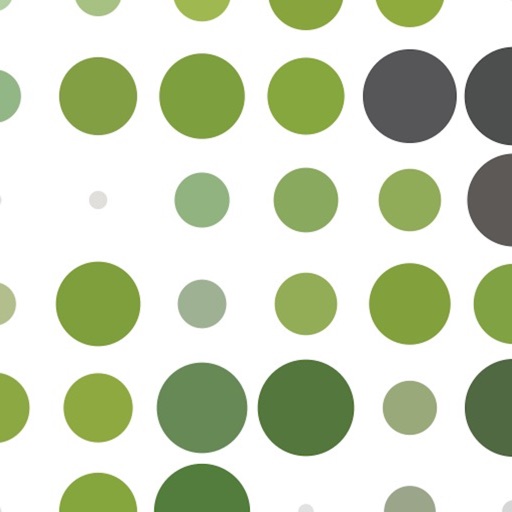
The app transforms photos into halftone and rasterized artwork using dots, lines, and shapes. It offers creative modes like Grid, Interlaced, Radial, and Photo, with options for bicolor, multicolor, or full color.
Control for alpha and Cyber-shot devices. Adjust exposure using RGB, histogram, and zebras. Browse and filter photos. Download images directly. Set aspect ratios and grid overlays for composition. Connect via wireless or USB cable.
Create images from text prompts with AI. Generate realistic photos, bold art, and layouts. Edit images to adjust details, extend scenes, or remove backgrounds. Design logos, headshots, and marketing materials.
Create collages by combining pictures, videos, or a mix of both. Choose between sequential or delayed video playback. Use built-in layouts or design custom ones. Select from 1:1, 9:16, 3:4 ratios or set custom proportions.
Convert iPad with USB-C to portable monitor using capture card for content creation and gaming. Enable internal capture for versatile video recording with adjustable resolution and frame rate.
Create images by adjusting dot size and blending ratios. Apply rare effects to photos. Generate images similar to newsprints or street advertisements. Export and share modified photos.
Edit photos with one-tap auto enhance and apply hundreds of filters and . Add stickers, frames, and text. Adjust brightness, contrast, color temperature, and saturation. Crop, rotate, and straighten images. Sharpen or blur details.
Control for cameras allows wireless or USB connection. Users can browse, filter, and download photos. Adjust exposure with RGB, histogram, and zebras. Set aspect ratios and grid overlays for composition.
Remove backgrounds from photos using automatic eraser with machine learning. Identify and isolate people, animals, vehicles, and objects. Erase single-color backgrounds for chroma key effects. Manually adjust erased areas for precision.
Create cards, collages, and postcards with holiday
Create personalized cards, collages, and postcards with themed for Thanksgiving, , and Halloween. Add text, stickers, and decorations to photos. Share edited images on social media. Collaborate with others to edit and decorate photos.