Clock Chime - Time is passing
Tarek Mansour
Tell with a funny phrase every minute
Displays the current with a spoken and a humorous phrase every minute. Users can customize intervals and disable notifications as needed.

Showing 141–160 of 1,000 ranked alternatives.
Tarek Mansour
Tell with a funny phrase every minute
Displays the current with a spoken and a humorous phrase every minute. Users can customize intervals and disable notifications as needed.


若愚 马
Set , track , display
A digital with real- , timer, and countdown features. Displays customizable , date, battery level, and seconds. Offers adjustable text color and font. Includes desktop widgets for iOS 14 and on- alarm functionality.

App Forgeron LLC
Create for any task
Create for tasks like cooking, studying, or workouts with custom settings. Manage timer pages to organize and access quickly. Start, pause, and resume with a single tap. Track time without ads or distractions.
TickTap LLC
Set timer, adjust brightness,
Displays a melodic with analog or digital time selection. Features a sliding brightness control and a shut-timer function. Includes relaxing melodies and customizable background templates. Illuminates throughout different times of day.


Javid Multani
Set , customize themes, no ads
FlipClock Premium displays a retro interface with customizable themes. Users can select from 100+ themes to personalize the . The runs without ads and requires no subscription for full access.

YoungHo Kim
Digital clock with many stylish options.
The app displays the time with 140 style options, including 28 color themes and 5 color fonts. It offers 12 or 24-hour modes, portrait and landscape viewing, and customizable clock styles and status settings.



Daniel Gerber
Set alarms for minyan and
Set alarms for minyan and . Choose or record custom ringtone sounds. Test notifications to confirm setup. Enable repeat alarms and remove ads for a premium experience.
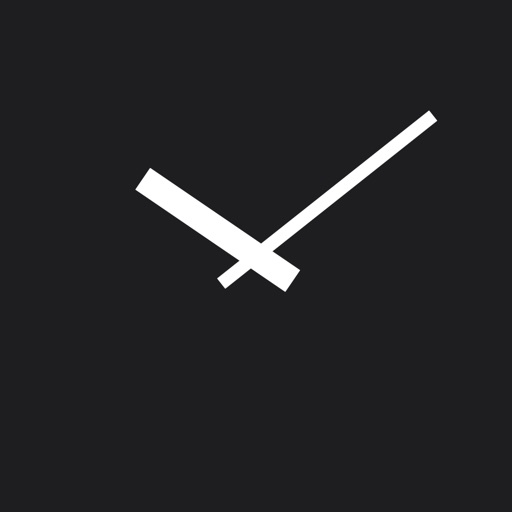
y-design
Set face, dial, and hands
Display a full-screen analog with customizable dial, index, and hands. Choose from 6 standard face types or purchase additional options. Select from 6 index styles including Roman numerals and triangle designs.

taishin miyamoto
Check time with precision and style
Displays time with high precision and elegant design. Users can customize backgrounds and color themes. Adjust settings for time format and notification preferences.


Apps are ranked by functional similarity, category fit, rating confidence, and popularity.