Apps Like Digital Binoculars-Zoom Camera for iPhone and iPad
Zoom in on distant scenes
Zoom in on distant objects using magnification. Adjust focus and brightness for clearer viewing. Save and share captured images. Access field guides for birdwatching and stargazing. Sync with other devices for remote control.
by RainbowTime Co., Ltd★ 1.01 ratingsTravelFreeData updated 2026-09-06
The app offers magnification up to 30x for detailed viewing and photography. It includes a flashlight, image stabilization, and adjustable contrast settings for various visual needs.
AI assistant provides travel guidance and suggestions. offer 8X zoom for distant viewing. Compass navigates without internet. Map displays location and GPS data. Weather shows current forecast. SOS includes code and flashlight.
Turn your iPhone or iPad into a with adjustable levels from 2x to 32x. Capture photos of distant or blurry objects and use AI to enhance and analyze images. Share edited photos directly.
Use front camera as a source with adjustable brightness. Zoom in during video calls or recordings. Set a timer to turn off the automatically. Adjust settings for brightness and duration.
The app helps users locate, map, and navigate to the nearest Blue Beacon Truck Wash. Users can search by city, state, interstate, truck stop, or special services to find a location.
Capture photos and videos with manual controls, exposure adjustment, and focus customization. Import and organize media from iOS photo library. Edit images with filters, cropping, and brightness adjustments. Share directly to social media or email.
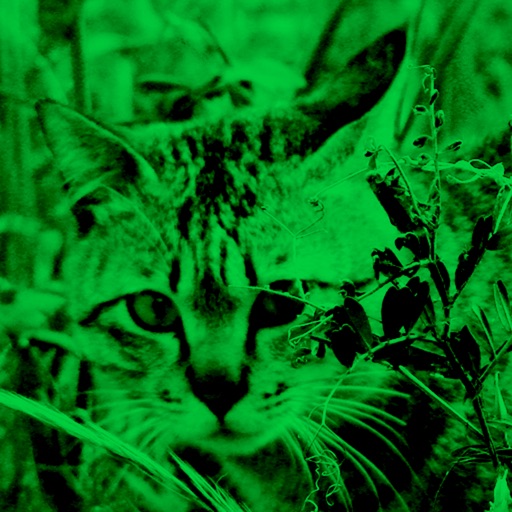
Enhance low-light photos with increased light intake and 8x zoom. Apply thermal imaging, green mode, and binoculars effects. Adjust brightness and contrast for clearer images in dark conditions. Share edited photos directly.
Capture distant objects with enhanced capabilities. Adjust focus and exposure for clear images. Save and share high-resolution photos. Access mode for detailed views of celestial objects.
Zoom in and out with a single finger. Adjust brightness or dim the screen using the same gesture. Freeze the image with a simple touch. Navigate without tapping small icons by using intuitive onscreen gestures.
Allows users to view their reflection using the front camera. They can freeze the image for closer inspection, pinch to zoom in on details, flip the image to see themselves as others do. Users can save photos taken through the .
Choose a photo from your camera roll or take a new one, then apply effects automatically. Select from various styles, adjust positioning, zoom, and customize edits. Save and share the final .
Capture photos and videos with manual controls for ISO, shutter speed, and white balance. Shoot in RAW format for detailed editing. Apply advanced effects and instant color grading. Use professional filters to enhance visuals.
In and out up to 15x while taking photos using a slider. Auto-stabilize images and videos. Adjust photo quality automatically. Use timer settings for 3, 10, or 20 seconds. Enable tap-to-shoot or swipe-to- options. Video available via in- purchase.
Edit images by cutting out unwanted areas with the lasso tool. Use the magnifier and eraser for precise adjustments. Revert changes and undo errors. Zoom, rotate, and move the foreground. Search Flickr for backgrounds or upload your own.
View surroundings using imaging effects to visualize temperature variations in colors. Apply multiple filters to photos and videos. Simulate views from different devices like binoculars.